
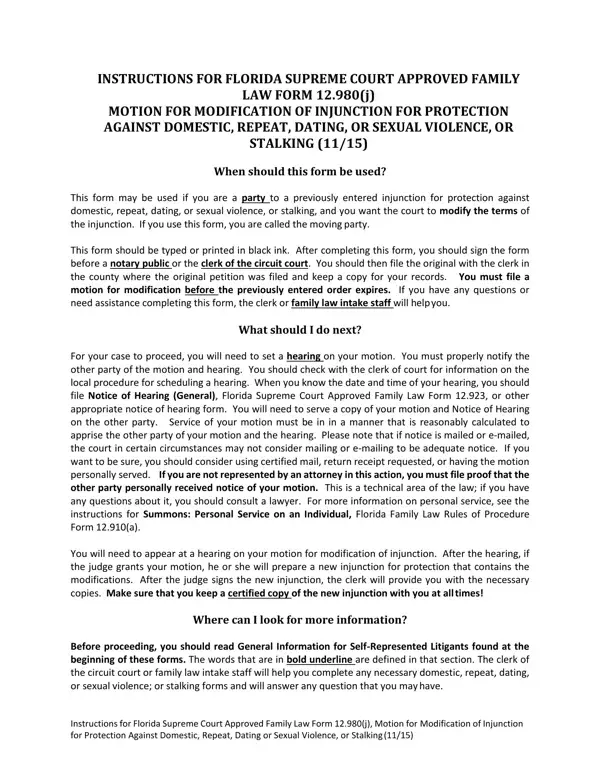
In the realm of family law in Florida, the Motion for Modification of Injunction for Protection Against Domestic, Repeat, Dating, or Sexual Violence, or Stalking serves a vital role for individuals seeking alterations to previously established injunctions. This mechanism, sanctioned by the Florida Supreme Court through Family Law Form 12.980(j), acknowledges the dynamic nature of personal circumstances and legal needs, providing a structured avenue for modification requests. When a person, identified as the moving party, recognizes a change in the situation or conditions that initially necessitated the injunction, this form becomes instrumental. Filing this motion requires careful adherence to procedural requirements, from completing the form with precision in black ink to ensuring timely submission before the expiration of the existing order, all the while navigating the nuances of legal stipulations regarding notification and service to the opposing party. The process emphasizes the necessity of a court hearing, where the judge assesses the motion's merits, potentially culminating in a modified injunction tailored to the evolved circumstances. Furthermore, the documentation underscores the critical use of e-filing and e-service systems, aligning with broader judicial administration rules, while also catering to the concern for personal safety and confidentiality through specific requests regarding address disclosure. Additional submissions may accompany the motion, addressing changes in custody, financial obligations, or personal protection needs, thereby ensuring a comprehensive approach to injunction modification. This procedural avenue, while complex, embodies the legal system's responsiveness to changing personal safety and welfare considerations, underscored by a robust framework designed to guide individuals through the modification process efficiently and informatively.
| Question | Answer |
|---|---|
| Form Name | Florida Injunction Form |
| Form Length | 6 pages |
| Fillable? | No |
| Fillable fields | 0 |
| Avg. time to fill out | 1 min 30 sec |
| Other names | form motion modification, form should protection, court motion protection template, fl motion injunction stalking |
Florida Injunction Form isn’t the one you’re looking for?