
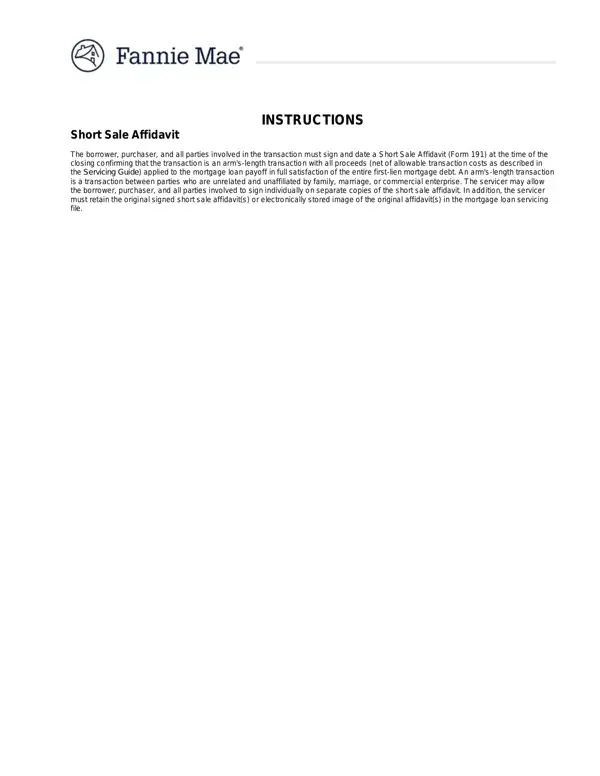
In the complex journey of navigating a short sale, a critical step for sellers is the completion of the Fannie Mae Short Sale Affidavit (Form 191). This document serves as a sworn statement by all parties involved in the short sale transaction—including the borrower, purchaser, and any agents—confirming the authenticity and fairness of the deal. It underscores the importance of transparency, stipulating that the sale is an arm's-length transaction, meaning all parties are independent and have no hidden relationships that could affect the sale's integrity. Additionally, the affidavit mandates that all proceeds, after accounting for allowable transaction costs, are to go towards satisfying the mortgage loan in full. This ensures that the financial institution agrees to the short sale under the condition that it recoups as much of the outstanding loan amount as possible. The form also requires the disclosure of any arrangements that might allow the seller to remain on the property post-sale or eventually regain ownership, aiming to prevent any potential conflicts of interest or fraudulent activities. By having all parties sign this document, the integrity of the short sale process is upheld, providing a clear path for the seller to move forward and for the buyer to acquire the property under fair terms. The Fannie Mae Short Sale Affidavit thus plays a pivotal role in safeguarding the interests of all stakeholders and ensuring the transaction aligns with legal and ethical standards.
| Question | Answer |
|---|---|
| Form Name | Fnma Short Sale Form |
| Form Length | 4 pages |
| Fillable? | Yes |
| Fillable fields | 46 |
| Avg. time to fill out | 10 min 12 sec |
| Other names | fannie 191 sale, fannie mae affidavit, fannie 191 download, fannie mae affidavit form |
Fnma Short Sale Form isn’t the one you’re looking for?