
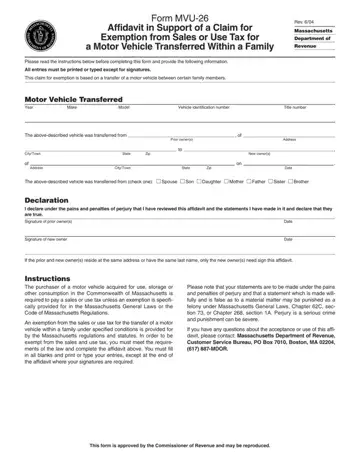
Form MVU-26 at a glance
What it is: Form MVU-26 is the Affidavit in Support of a Claim for Exemption from Sales or Use Tax for a Motor Vehicle Transferred Within a Family.
Who signs: If the prior and new owner(s) reside at the same address or have the same last name, only the new owner(s) need sign this affidavit.
This claim for exemption is based on a transfer of a motor vehicle between certain family members.
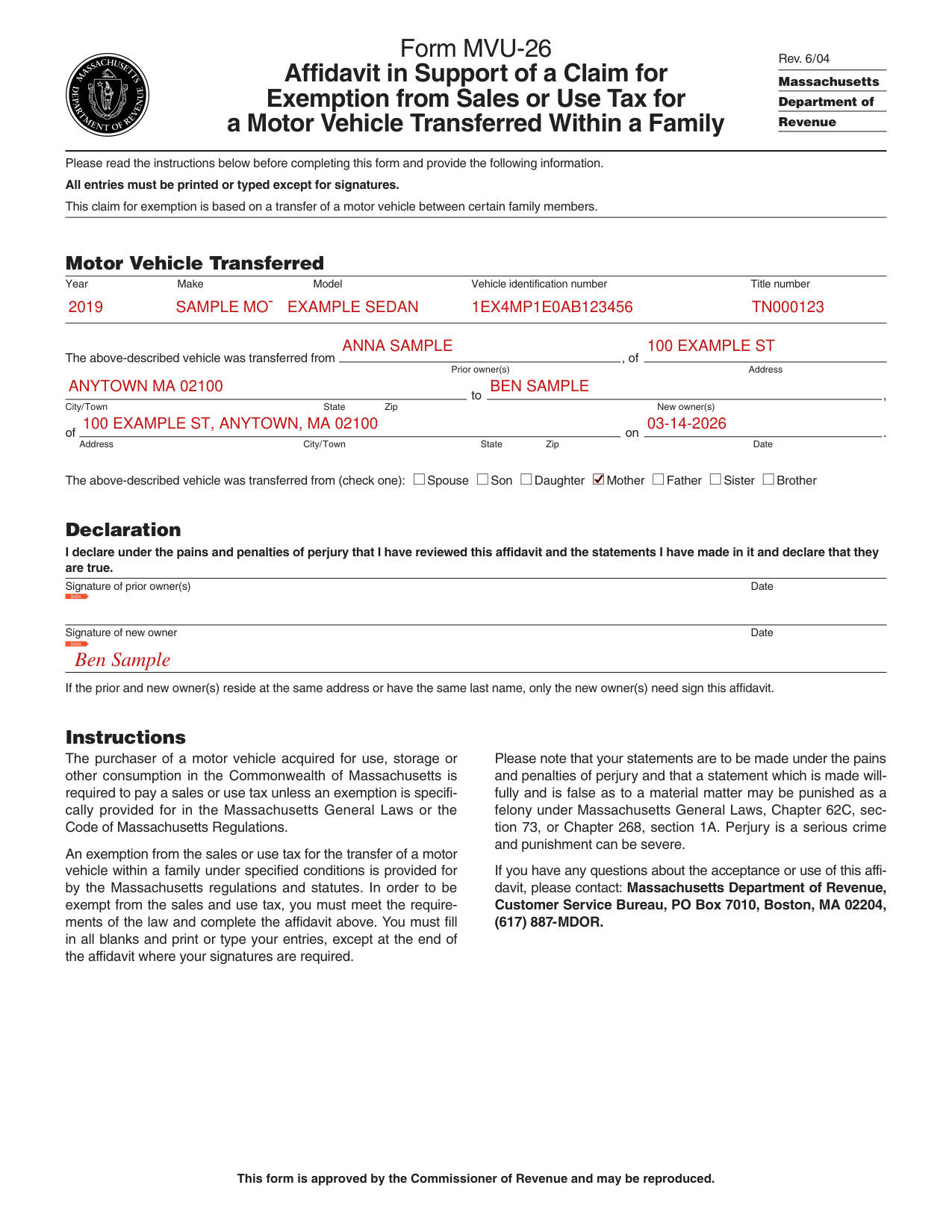
A filled-in Form MVU-26 example: a mother gives her son a car
How to fill out Form MVU-26, box by box
Motor Vehicle Transferred

Under Motor Vehicle Transferred, enter the Year, Make, Model, Vehicle identification number and Title number.
Prior owner(s) and new owner(s)

Enter the Prior owner(s), then the Address and the City/Town State Zip.
Enter the New owner(s), then the Address, City/Town, State, Zip and the Date.
Check one

Check one box for who the vehicle was transferred from: Spouse, Son, Daughter, Mother, Father, Sister or Brother.
Declaration
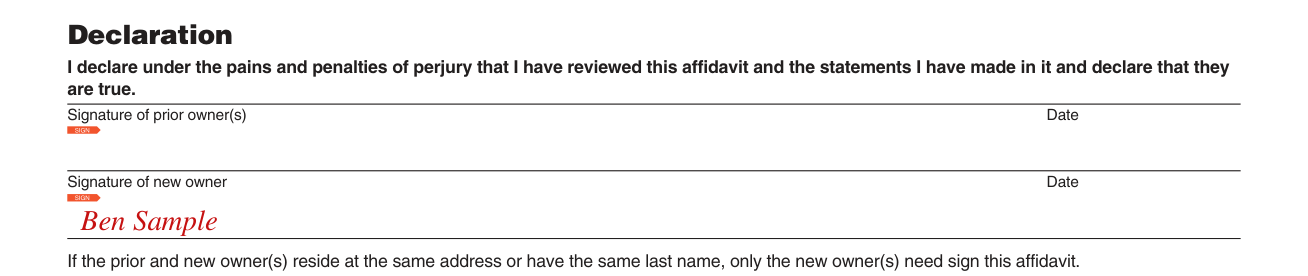
The Declaration: "I declare under the pains and penalties of perjury that I have reviewed this affidavit and the statements I have made in it and declare that they are true."
Sign on the Signature of prior owner(s) line and the Signature of new owner line, each with a Date.
More rules for Form MVU-26
All entries must be printed or typed except for signatures.
An exemption from the sales or use tax for the transfer of a motor vehicle within a family under specified conditions is provided for by the Massachusetts regulations and statutes. To be exempt, you must meet the requirements of the law and complete the affidavit. You must fill in all blanks and print or type your entries, except at the end of the affidavit where your signatures are required.
Common questions about Form MVU-26
Is there a penalty?
Your statements are made under the pains and penalties of perjury, and a statement which is made willfully and is false as to a material matter may be punished as a felony under Massachusetts General Laws, Chapter 62C, section 73, or Chapter 268, section 1A.
Sources
[1] Form MVU-26 (Rev. 6/04), Affidavit in Support of a Claim for Exemption from Sales or Use Tax for a Motor Vehicle Transferred Within a Family, Massachusetts Department of Revenue (the Official source link on this page).
