
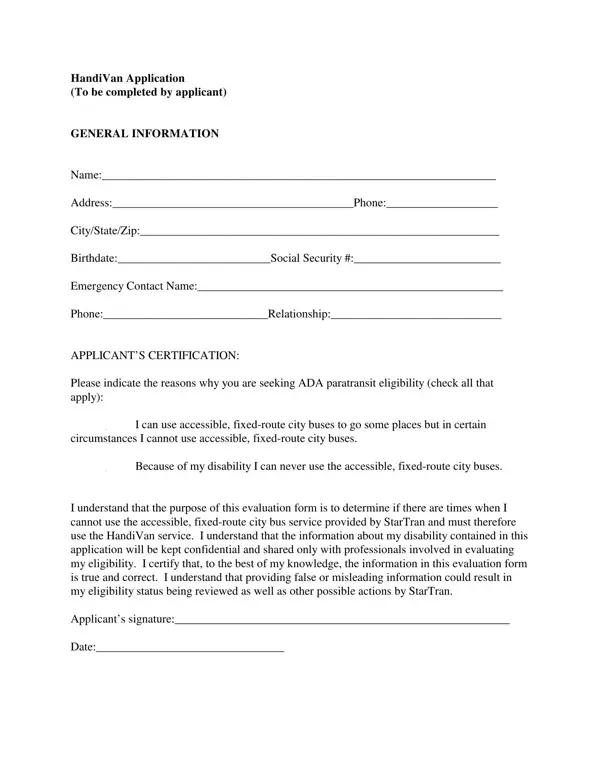
The Handivan Application form is a comprehensive document designed to assess the eligibility of individuals seeking ADA paratransit services, due to the inability to use standard, accessible city buses under certain or all circumstances. It starts with a section for general information which includes the applicant's name, contact details, and vital statistics. The form covers a wide range of questions to understand the applicant's specific needs, medical conditions, and the nature of their disabilities, with options for applicants to indicate if their condition is temporary or permanent and whether it fluctuates in a manner that affects their ability to use fixed-route city buses. There is also a section to list mobility aids or equipment the applicant might use, alongside questions about their previous experiences and potential needs to facilitate the use of standard bus services. The form explicitly asks if the applicant requires a personal care attendant for travel, and it inquires whether instructional support might enable the use of accessible, fixed-route buses. This detailed approach aligns with the ultimate goal of determining when the Handivan service becomes a necessity due to the specific challenges faced by the applicant, ensuring a confidential and respectful evaluation process.
| Question | Answer |
|---|---|
| Form Name | Handivan Application Form |
| Form Length | 7 pages |
| Fillable? | No |
| Fillable fields | 0 |
| Avg. time to fill out | 1 min 45 sec |
| Other names | handivan honolulu, handivan application form, handivan hawaii eligibility, handi van |
Handivan Application Form isn’t the one you’re looking for?