
Form POS-020 at a glance
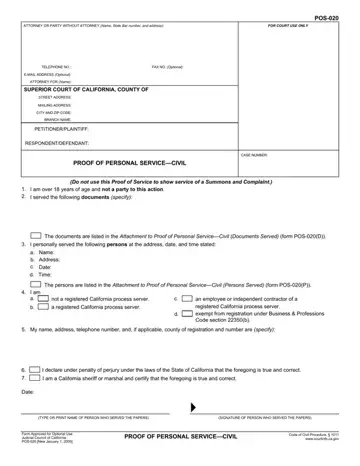
What it is: Form POS-020, Proof of Personal Service-Civil, is the proof of service form that the person who personally served the documents must complete for the documents served.
Who signs: A person at least 18 years of age or older must serve the documents.
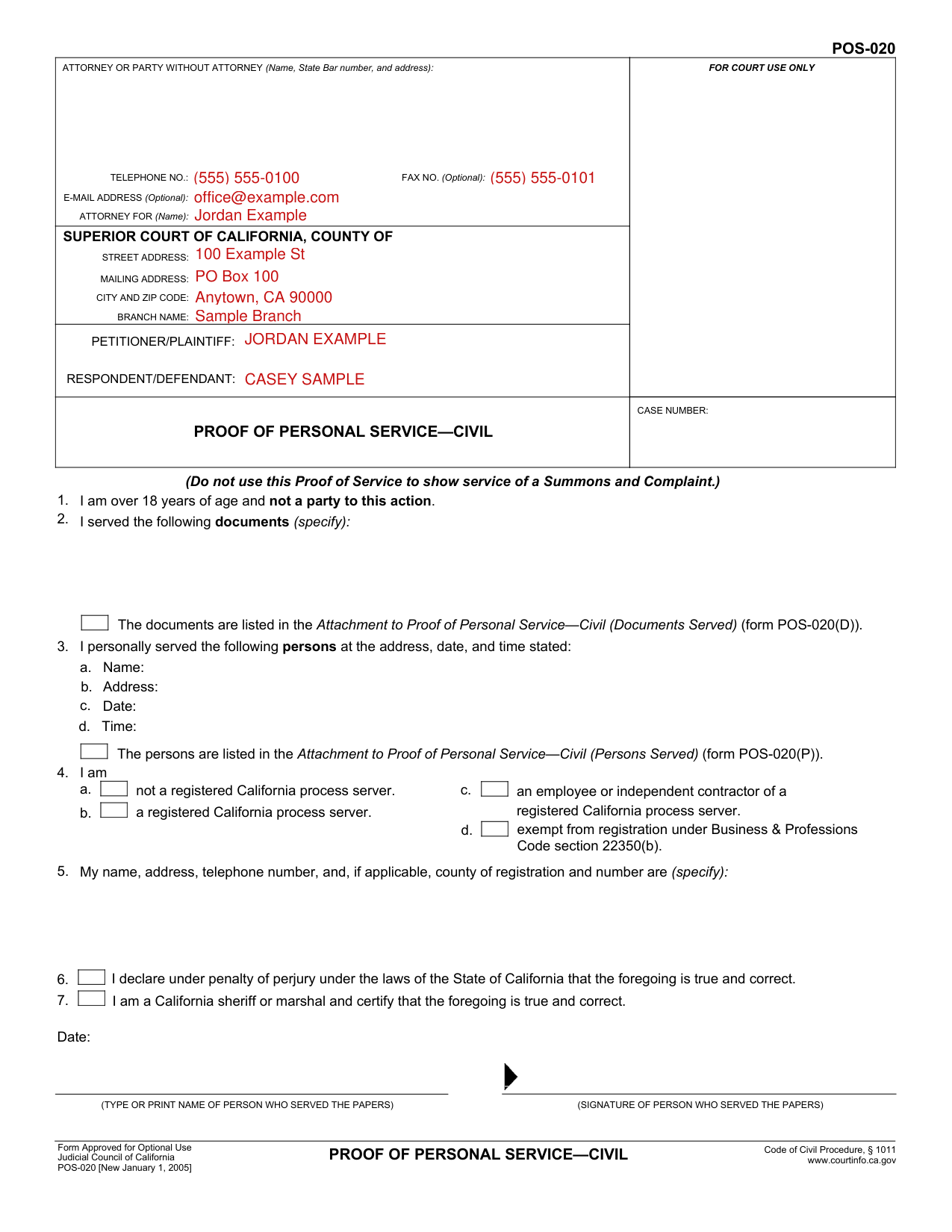
A filled-in Form POS-020 example: a law office employee fills the top of the form
How to fill out Form POS-020, box by box
Attorney or party without attorney
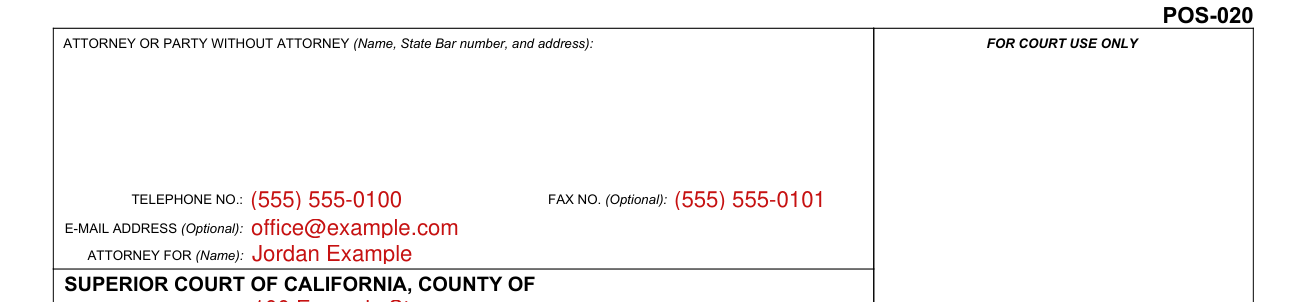
First box, left side: In this box print the name, address, and phone number of the person for whom you served the documents.
Superior Court of California, County of

Second box, left side: Print the name of the county in which the legal action is filed and the court's address in this box. The address for the court should be the same as on the documents that you served.
Petitioner/Plaintiff and Respondent/Defendant

Third box, left side: Print the names of the Petitioner/Plaintiff and Respondent/Defendant in this box. Use the same names as are listed on the documents that you served.
More rules for Form POS-020
You cannot serve documents if you are a party to the action.
Second box, right side: Print the case number in this box. The number should be the same as the case number on the documents that you served.
First box, top of form, right side: Leave this box blank for the court's use.
You are stating that you are over the age of 18 and that you are not a party to this action.
List the name of each document that you delivered to the person. If you need more space, check the box in item 2, complete the Attachment to Proof of Personal Service-Civil (Documents Served) (form POS-020(D)), and attach it to form POS-020.
Provide the name of each person served, the address where you served the documents, and the date and time of service. If you served more than one person, check the box in item 3, complete the Attachment to Proof of Personal Service-Civil (Persons Served) (form POS-020(P)), and attach it to form POS-020.
Check the box that applies to you. If you are a private person serving the documents for a party, check box "a."
Print your name, address, and telephone number. If applicable, include the county in which you are registered as a process server and your registration number.
The proof of service should be printed or typed.
Common questions about Form POS-020
Who signs it?
You must check this box if you are not a California sheriff or marshal. You are stating under penalty of perjury that the information you have provided is true and correct. At the bottom, fill in the date on which you signed the form, print your name, and sign the form at the arrow.
What am I certifying when I sign?
By signing, you are stating under penalty of perjury that all the information that you have provided on form POS-020 is true and correct.
When is this form not the right one?
Do not use this Proof of Service to show service of a Summons and Complaint. For that purpose, use Proof of Service of Summons (form POS-010).
Sources
[1] Form POS-020, Proof of Personal Service-Civil, Judicial Council of California (the Official source link on this page).
