
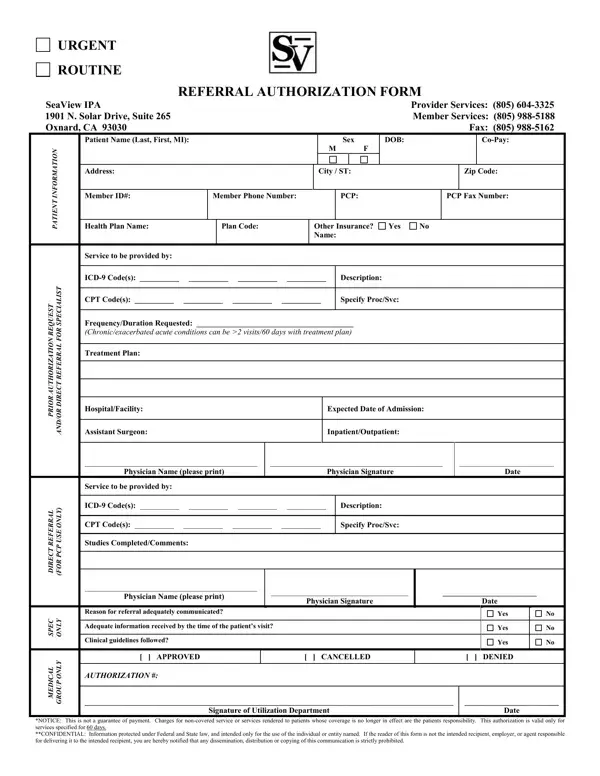
SeaView IPA Referral Authorization Form at a glance
What it is: The SeaView IPA Referral Authorization Form.
Who signs: Enter the Physician Name (please print), then SIGN the Physician Signature line and enter the Date.
A filled-in SeaView IPA Referral Authorization Form example: a physician requests a routine authorization
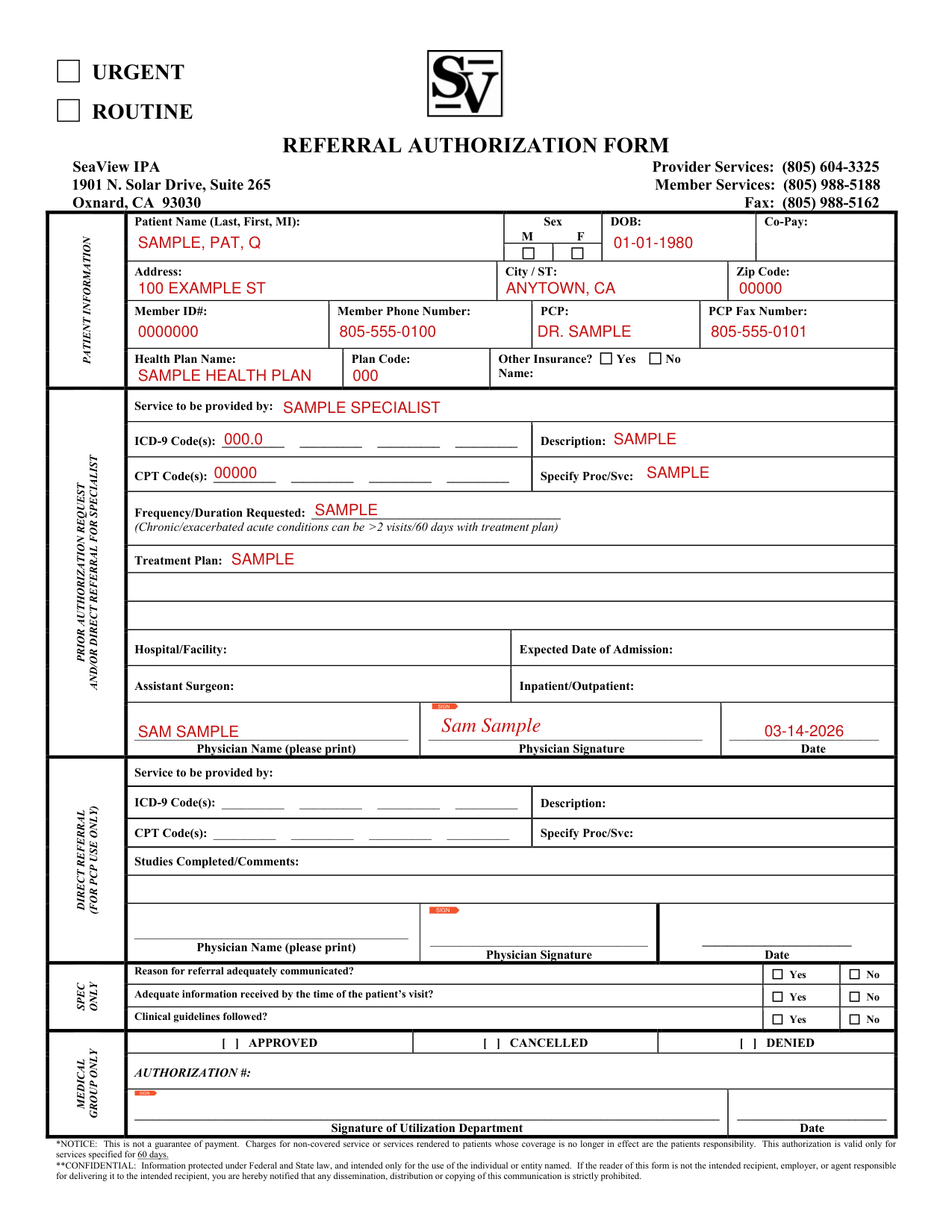
How to fill out SeaView IPA Referral Authorization Form, box by box
URGENT or ROUTINE

Mark URGENT or ROUTINE.
PATIENT INFORMATION
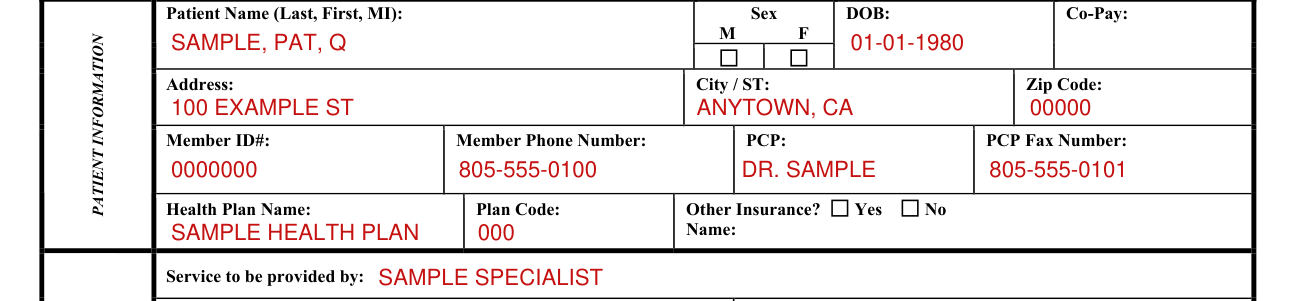
Under PATIENT INFORMATION, enter the Patient Name (Last, First, MI), mark Sex M or F, and enter the DOB and the Co-Pay.
Enter the Address, the City / ST and the Zip Code.
Enter the Member ID#, the Member Phone Number, the PCP and the PCP Fax Number.
Enter the Health Plan Name and the Plan Code.
For Other Insurance?, mark Yes or No, and enter the Name.
Service to be provided by, ICD-9 and CPT codes

Enter the Service to be provided by.
Enter the ICD-9 Code(s) and the Description.
Enter the CPT Code(s) and Specify Proc/Svc.
PRIOR AUTHORIZATION REQUEST

Under PRIOR AUTHORIZATION REQUEST, enter the Frequency/Duration Requested; Chronic/exacerbated acute conditions can be >2 visits/60 days with treatment plan.
Under PRIOR AUTHORIZATION REQUEST, enter the Treatment Plan.
Hospital/Facility and Expected Date of Admission

Enter the Hospital/Facility, the Expected Date of Admission, the Assistant Surgeon and Inpatient/Outpatient.
Physician Name and Signature

Enter the Physician Name (please print), then SIGN the Physician Signature line and enter the Date.
DIRECT REFERRAL
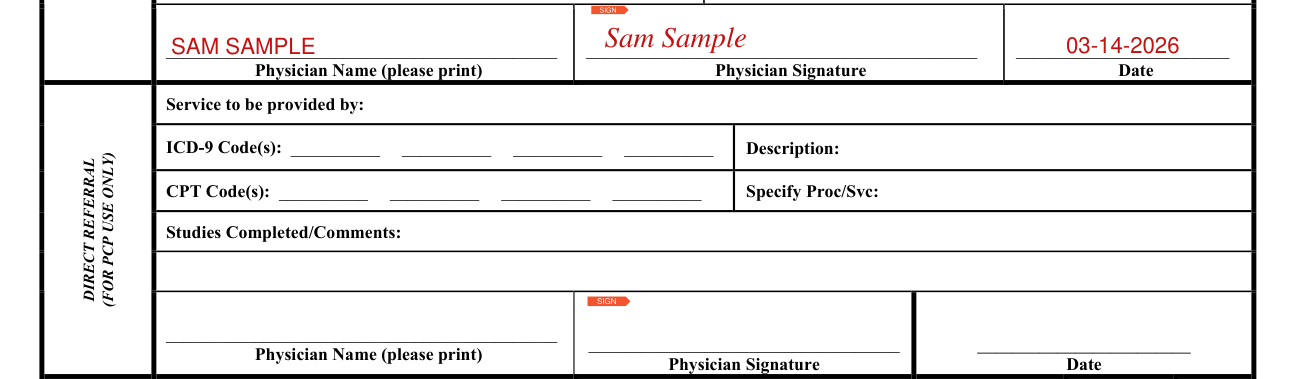
The DIRECT REFERRAL is FOR PCP USE ONLY: enter the Service to be provided by.
In the DIRECT REFERRAL, enter the ICD-9 Code(s) and the Description, the CPT Code(s) and Specify Proc/Svc, and the Studies Completed/Comments.
In the DIRECT REFERRAL, enter the Physician Name (please print), then SIGN the Physician Signature line and enter the Date.
More rules for SeaView IPA Referral Authorization Form
This is not a guarantee of payment. This authorization is valid only for services specified for 60 days.
Sources
[1] SeaView IPA Referral Authorization Form (the served form; no issuer file) (the Official source link on this page).