

Nonprofits do a lot with donations, grants, staff time, and help from volunteers. But there’s also plenty of admin work behind the scenes. Applications, waivers, tax forms, contracts, donor records, board documents, and grant files all need to stay organized and easy to find.
That makes document work more than an office detail. For many nonprofits, good recordkeeping supports fundraising, volunteer coordination, reporting, staffing, events, and day-to-day operations.
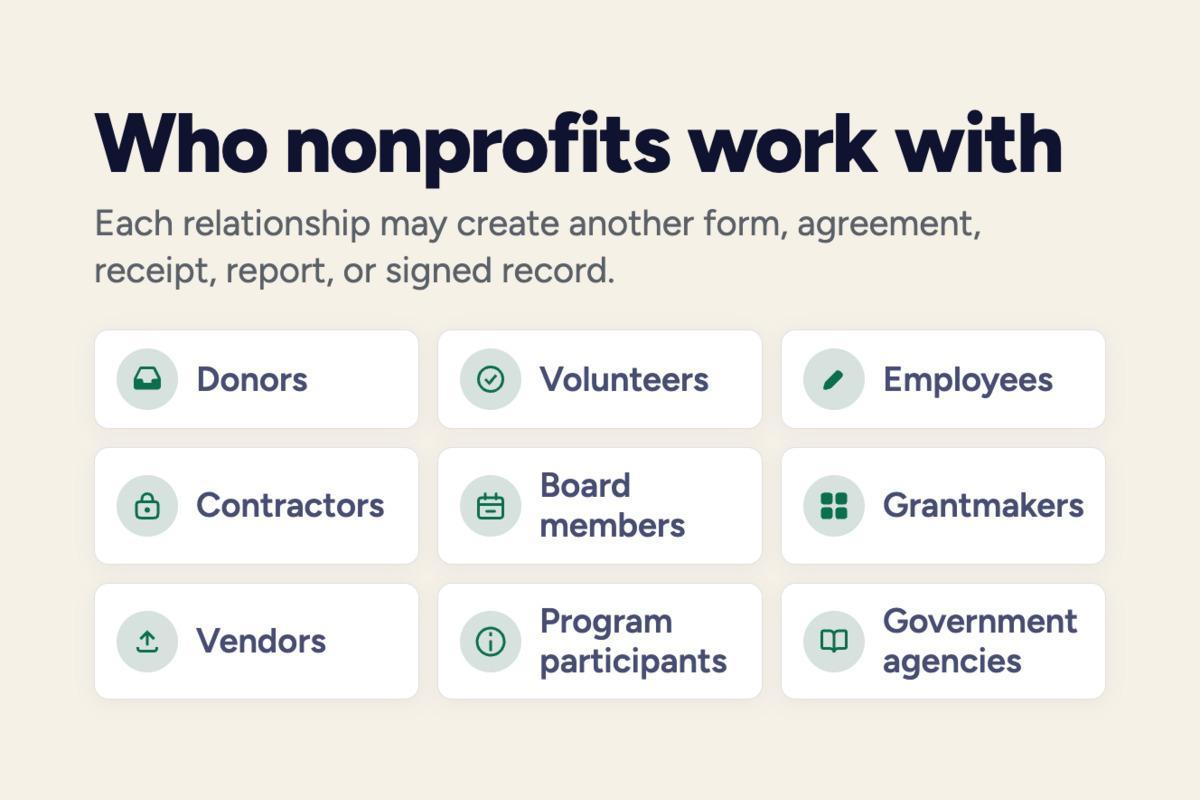
Running a nonprofit often means working with several groups at once: donors, volunteers, employees, contractors, board members, grantmakers, vendors, program participants, and government agencies. Each relationship may create another form, agreement, receipt, report, or signed record.
Federal filings show how much time administration may consume. For 2025 tax forms, the IRS estimated an average burden of 108 hours for Form 990 and 71 hours for Form 990-EZ. Those estimates cover the filing itself, not the many documents an organization may handle throughout the rest of the year.
Nonprofits deal with forms for volunteers, donors, board members, contractors, and everyday operations. Some documents that may be useful include:
Some of these documents need signatures. Others need regular updates, copies for several people, or a reliable place where staff can find the current version. A filing cabinet may work for a small stack, but it becomes awkward once people work from different locations or several team members need the same records.
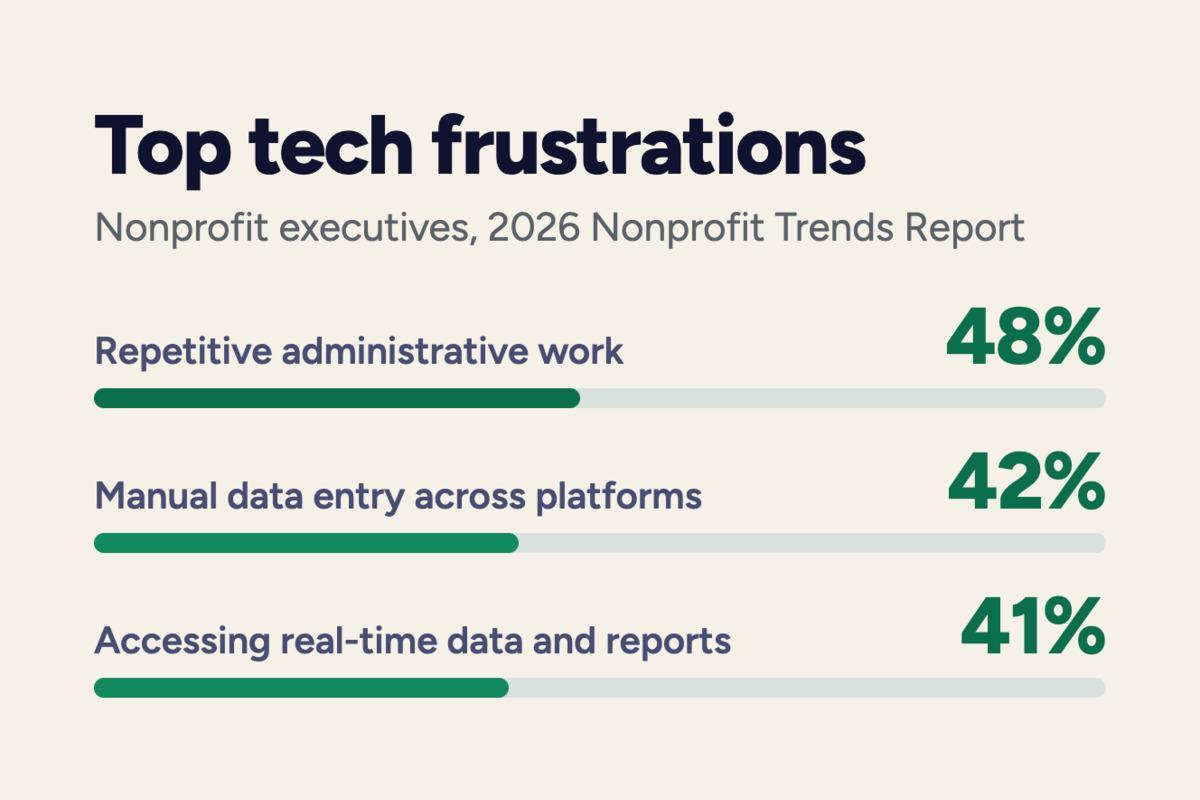
For many nonprofits, administrative work already happens across several digital tools.
Those findings point to a familiar problem: digital tools may save time, but only when they reduce repeated work instead of creating more of it. Staff, volunteers, contractors, and board members often handle forms, agreements, and records from different places.
Online forms make that easier. A volunteer may complete a release before an event, a contractor may sign an agreement from home, and a board member may review a document without waiting for the next in-person meeting. There’s less need to print, mail, scan, or pass paper copies from person to person.
Digital files are also easier to store, update, and find later.
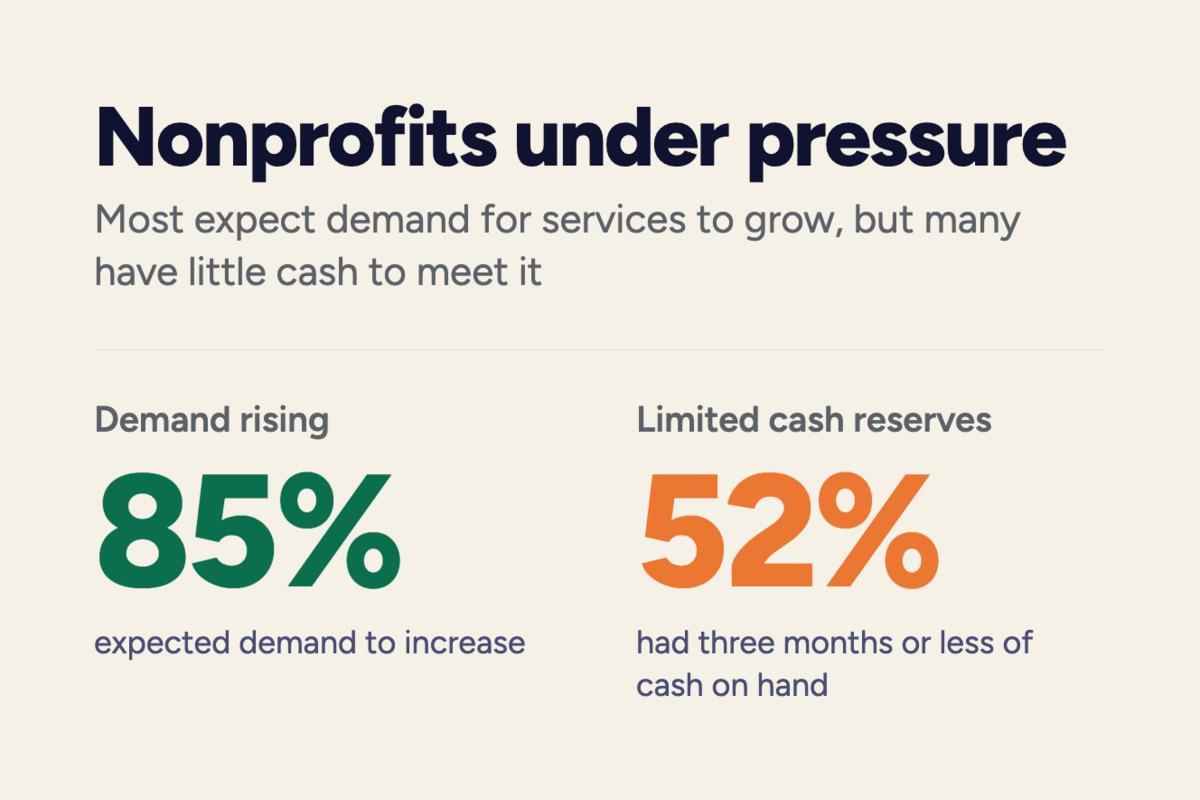
When time and money are tight, even routine admin work matters. Managing forms and records online can cut down on repeated tasks and give staff more time for the work their organization actually does.
Nonprofit teams deal with plenty of forms, agreements, records, and supporting documents, often with limited staff and tight budgets. We’re offering a free 3-month FormsPal subscription to nonprofit employees and volunteers.
FormsPal helps you fill out, edit, sign, save, and manage documents online. It also includes PDF tools for converting, merging, splitting, and organizing files.
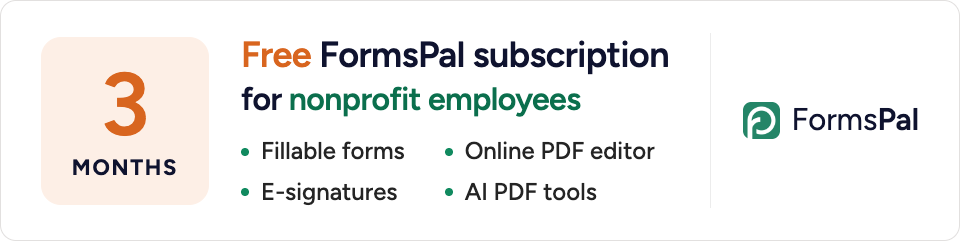
To claim your free subscription, email support@formspal.com from your nonprofit organization’s email address and let us know how you heard about this offer.
A nonprofit may receive the same type of form dozens or hundreds of times. Keeping those files in one organized digital system reduces the need to search through email attachments, local computer folders, and paper binders.
Keeping forms and files organized online may help nonprofits spend more of that time on programs and community work rather than routine document handling.
Digital documents are also easier to rename, sort, duplicate, combine, and share with the people who need them. Staff can keep a clean master copy of a form, create a working version, and save the completed file without altering the original. When a grant application requires several attachments, related PDFs may be merged into one file. When only part of a long document is needed, pages may be split out instead.
Remote access matters as well. Nonprofits often depend on volunteers, part-time workers, board members, or contractors who are not in the same office every day. But using online forms means people don’t have to meet in person just to review, sign, or send documents.
Better organization also helps when staff roles change. A record that exists only in one person's inbox may disappear from view when that person leaves. A shared filing process gives the next staff member a clearer record of what was signed, submitted, or stored.
Nonprofits should still set their own rules for file access, retention, privacy, and sensitive information, especially when records contain personal or financial data.
Nonprofits often receive documents from many different sources. A volunteer may send a signed waiver, a contractor may return an agreement, and a funder may ask for several files in one submission. Keeping all of that usable can take more time than expected.
FormsPal gives organizations a browser-based PDF editor for common document tasks. Depending on the document, a nonprofit may need to:
Nonprofits can use a library of fillable PDF forms for employment, taxes, contracts, volunteer work, and other routine needs. It saves time when you already know what type of form you need. The legal templates section also includes agreements and other documents that nonprofits may find handy.
These are small tasks, but they come up often. A grant packet may need several attachments combined into one file, while a signed contract may need to stay together with supporting pages. In other cases, staff may only need to remove an unnecessary page or correct the order before sending a document.
Teams spend less time printing, scanning, emailing, and searching through separate folders. More of the work stays in one place, and records are easier to find when someone needs them.
Related Posts: