
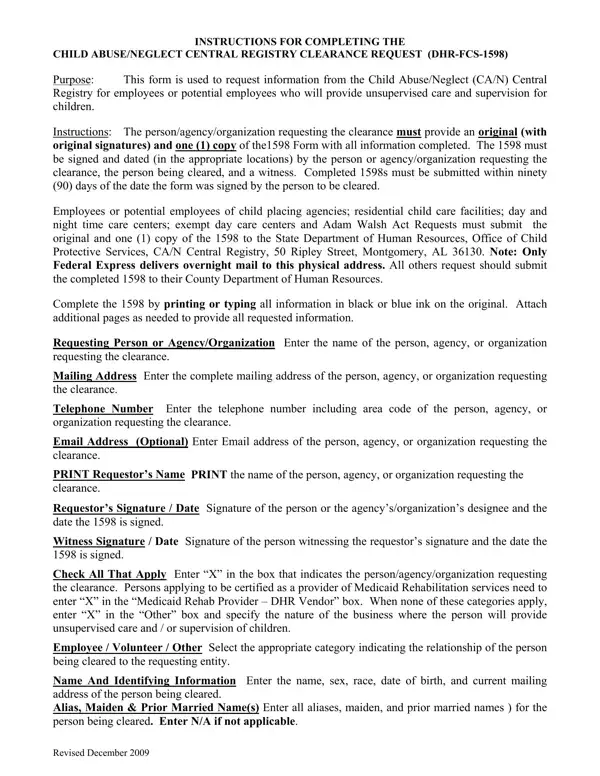
The DHR-FCS-1598 form, also called the Child Abuse/Neglect (CA/N) Central Registry Clearance Request, applies to employees and volunteers in child care facilities, Medicaid Rehabilitation service providers, and other roles covered under the Adam Walsh Act. Requestors must submit both the original form and one copy, with original signatures from both the requestor and the applicant, within 90 days of signing.
The applicant must list all former names and aliases, date of birth, Social Security Number, and residential addresses for the past five years. The State or County Department of Human Resources uses this information to search the Central Registry and determine if the individual has any prior child abuse or neglect findings.
For related Alabama background forms, see the Alabama Central Registry Clearance form, the DHR-FCS-1593 form, or our background check consent form templates.
| Question | Answer |
|---|---|
| Form Name | Al Form 1598 |
| Form Length | 2 pages |
| Fillable? | No |
| Fillable fields | 0 |
| Avg. time to fill out | 30 sec |
| Other names | dhr can 1598, 1598 alabama form, alabama form 1598, alabama dhr form 1598 |