
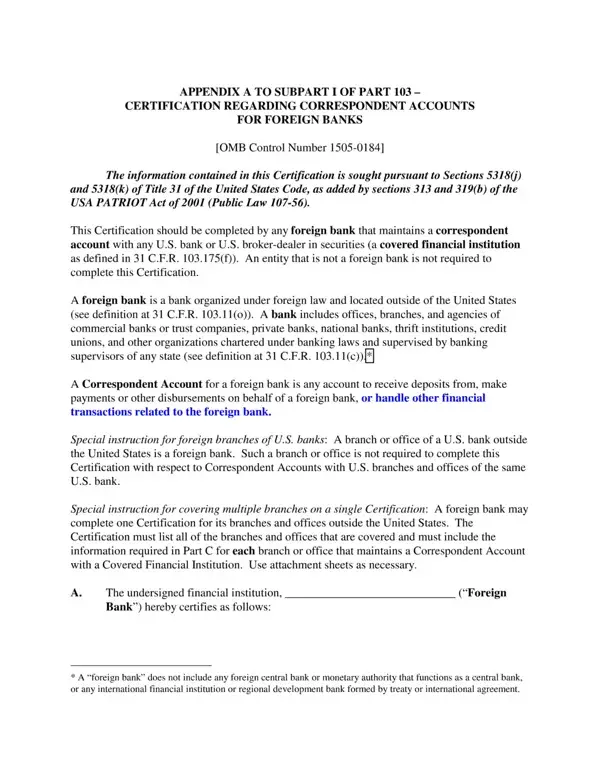
A bank certification form provides written proof of a banking relationship between a customer and a financial institution. Banks issue this document on official letterhead to confirm that an account is active and in good standing.
You may need to submit a bank certification form in several common situations:
A completed bank certification form typically contains the following details:
Most lenders and agencies accept a bank certification form issued within the past 30 to 90 days. If you need the form for a government agency or an international transaction, confirm the acceptable age of the document with the requesting party before obtaining a new one from your bank.
For related banking documents, see the Citibank Direct Deposit Form or the Bank Account Activation Form.
| Question | Answer |
|---|---|
| Form Name | Bank Certification Form |
| Form Length | 4 pages |
| Fillable? | No |
| Fillable fields | 0 |
| Avg. time to fill out | 1 min |