
A Wisconsin limited power of attorney form is a legal document that lets you, the principal, give another person, your agent, authority over specific tasks. Unlike a general power of attorney, which covers broad matters, it stays limited to set tasks, such as selling one property. It helps when you cannot be in Wisconsin to handle a task yourself. Browse more Wisconsin power of attorney forms on our state page.
Last Updated: October 2026. This guide is reviewed and updated regularly to reflect current law. If you notice an error or outdated information, please contact us.
Build Your Document
Answer a few simple questions to make your document in minutes
Save and Print
Save progress and finish on any device, download and print anytime
Sign and Use
Your valid, lawyer-approved document is ready
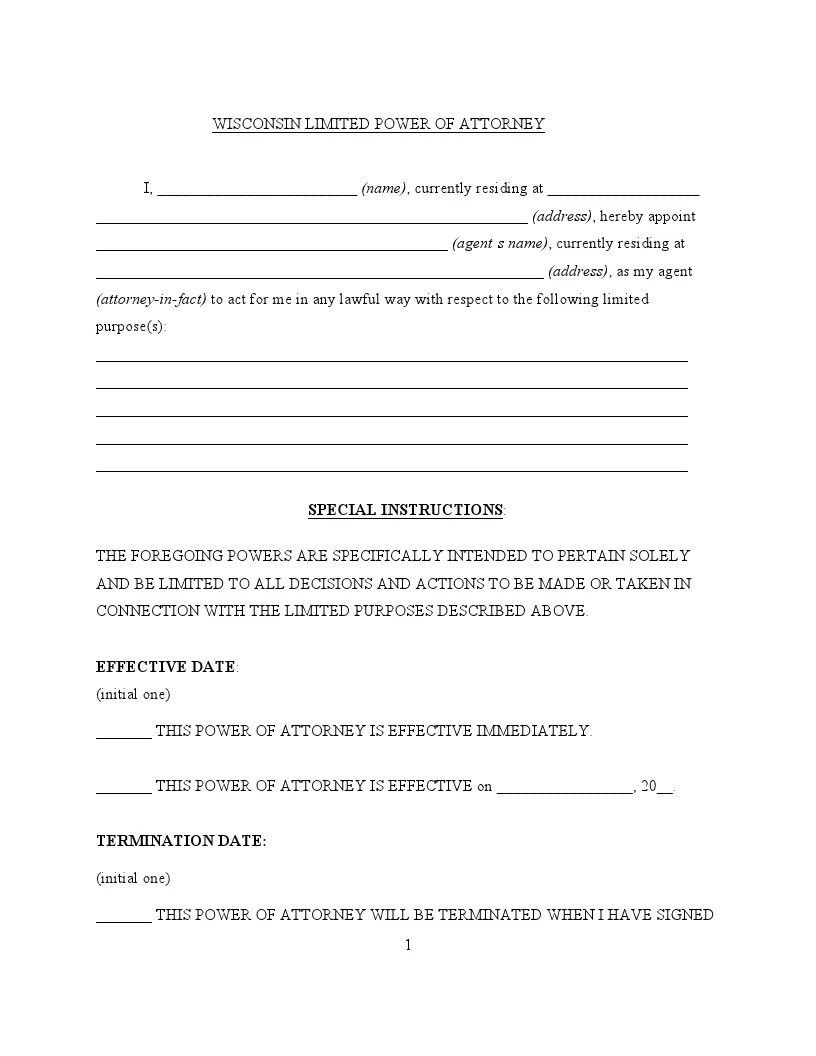
The FormsPal Wisconsin limited power of attorney is a PDF template with 32 fillable fields. Most people finish it in about 8 minutes, and the same document is also called a Wisconsin special power of attorney. You can fill it in online and save your progress, or download the PDF and complete it on your own device.
| Document Name | Wisconsin Limited Power of Attorney Form |
| Other Name | Wisconsin Special Power of Attorney |
| Relevant Laws | Wisconsin Statutes & Annotations, Section 244.41 |
| Avg. Time to Fill Out | 8 minutes |
| # of Fillable Fields | 32 |
| Available Formats | Adobe PDF |
People often use a limited power of attorney for one clear job. Naming the task on the purpose lines keeps the agent's role narrow and easy for others to understand. Here are some examples of tasks people write in.
Filling out a Wisconsin limited power of attorney lets you give someone specific powers to act for you in particular matters. These steps follow the FormsPal template this page hands out, one part of the form at a time.
The screenshots under each step show the FormsPal Wisconsin Wisconsin Limited Power of Attorney template filled with sample entries in blue, so you can see where each answer goes. The names, addresses, dates and amounts are examples only.
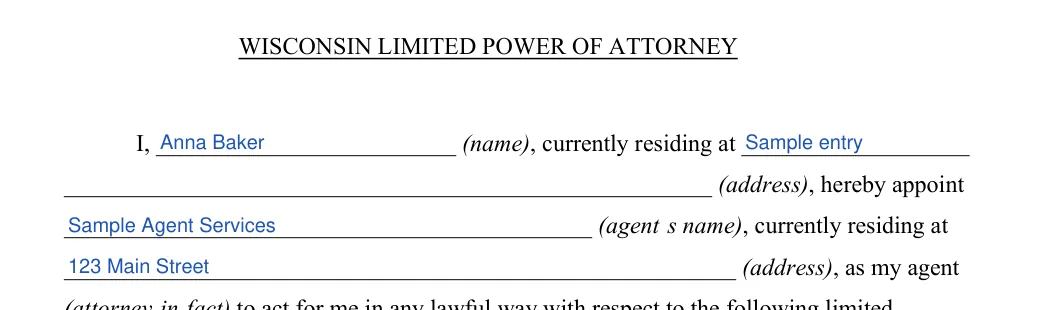
Principal and agent
Enter your full name and current address as the principal. Then enter the name and address of the person you appoint as your agent (attorney-in-fact).
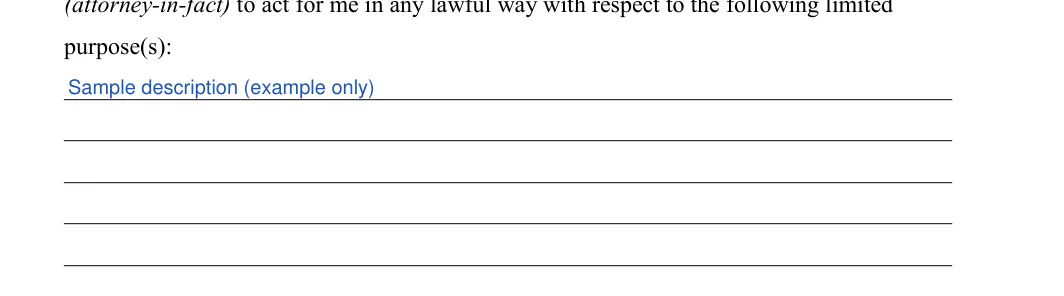
Limited purposes and special instructions
Write each task you want the agent to handle on the purpose lines, such as selling one property or managing one account. The special instructions sentence below the lines is already printed on the form.
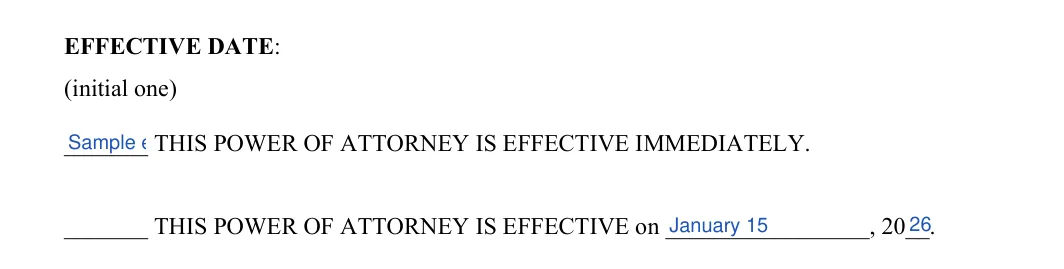
Effective date
Initial one option. Choose immediate effect, or write in the date you want the power of attorney to start.
Termination date
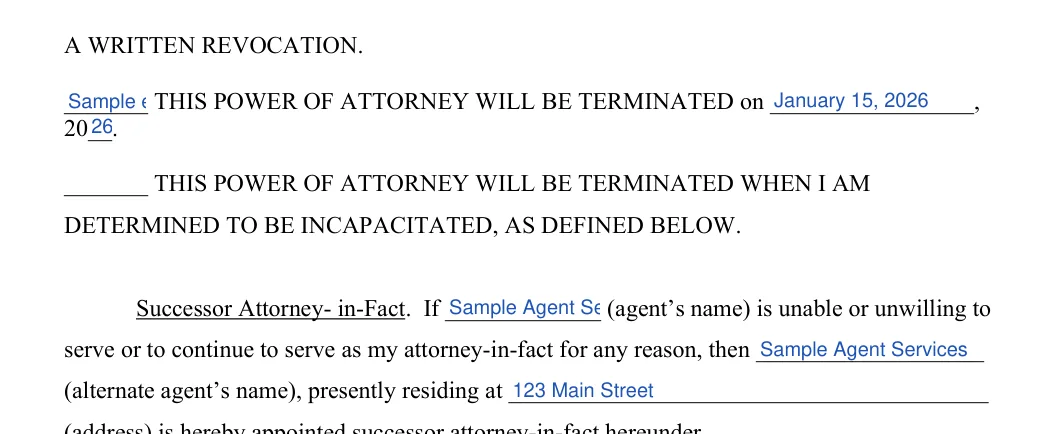
Initial one option. The first option ends the power of attorney when you sign a written revocation. The date and incapacity options continue on page 2.

Remaining termination options and successor agent
If you chose the date option or the incapacity option, initial it and write in any date. Then enter the agent's name, the alternate agent's name and the alternate agent's address.
Date and sign
Write the day, month and year, sign on the signature line and print your name below it.

Acknowledgment
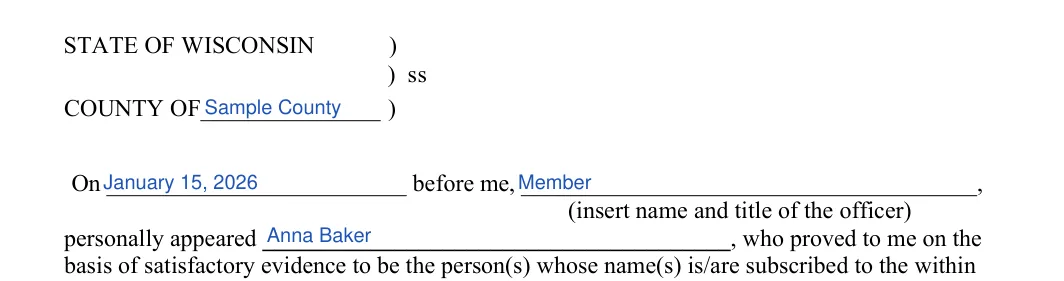
In the acknowledgment on page 3, fill in the county, the date, the officer's name and title, and the principal's name.
Officer signature and seal
The signature line at the bottom of page 3 is for the notary or officer.

Write the names of the principal and the agent exactly as they appear on their photo IDs, and use the same spelling everywhere in the document.
Common mistakes: Writing vague purpose lines, skipping the initials on an option, or spelling a name differently on each page.
Once the form is filled in, print it and move on to signing. Check each name and date on the printed pages first, then work through the steps below in order and keep a copy of the finished document.
Signing and Notarization
The principal must sign the form. If another individual signs on behalf of the principal, they must be at least 18 years old and sign in the principal’s physical presence and at their direction. To ensure the signature’s validity, it must be acknowledged before a notarial officer or witnessed by two witnesses.
Notarization
A notary public or another authorized officer must complete the acknowledgment section, verifying the identity of the individual who signed the document. This step is crucial for the document’s legality.
Keep copies
Store the signed original in a safe place and give your agent a copy.
The signing requirements for a limited power of attorney in this state are clearly defined under the Wisconsin Statutes & Annotations, Sections 244-01 to 244-64 (Uniform Power of Attorney for Finances and Property). The principal must personally sign the document, or another individual at least 18 years old can sign in the principal’s presence and under their express direction as per Section 244-05. The signature must also be acknowledged before a notarial officer.
Additionally, to ensure the genuineness and legality of the process:
These precautions help maintain the integrity and legality of the limited power of attorney, giving the principal assurance and control over the document.
A limited power of attorney names the specific tasks your agent can handle, such as selling one property. A general power of attorney covers a broad range of matters. Choose the limited form when you only need help with one job or a short list of jobs.
The template takes about 8 minutes to complete. You can save your progress and finish later on any device.
Yes. Use the PDF link near the top of the page, then print the file or fill it in with the PDF editor.
General information, not legal or tax advice.
