
Updated:
Get Form Now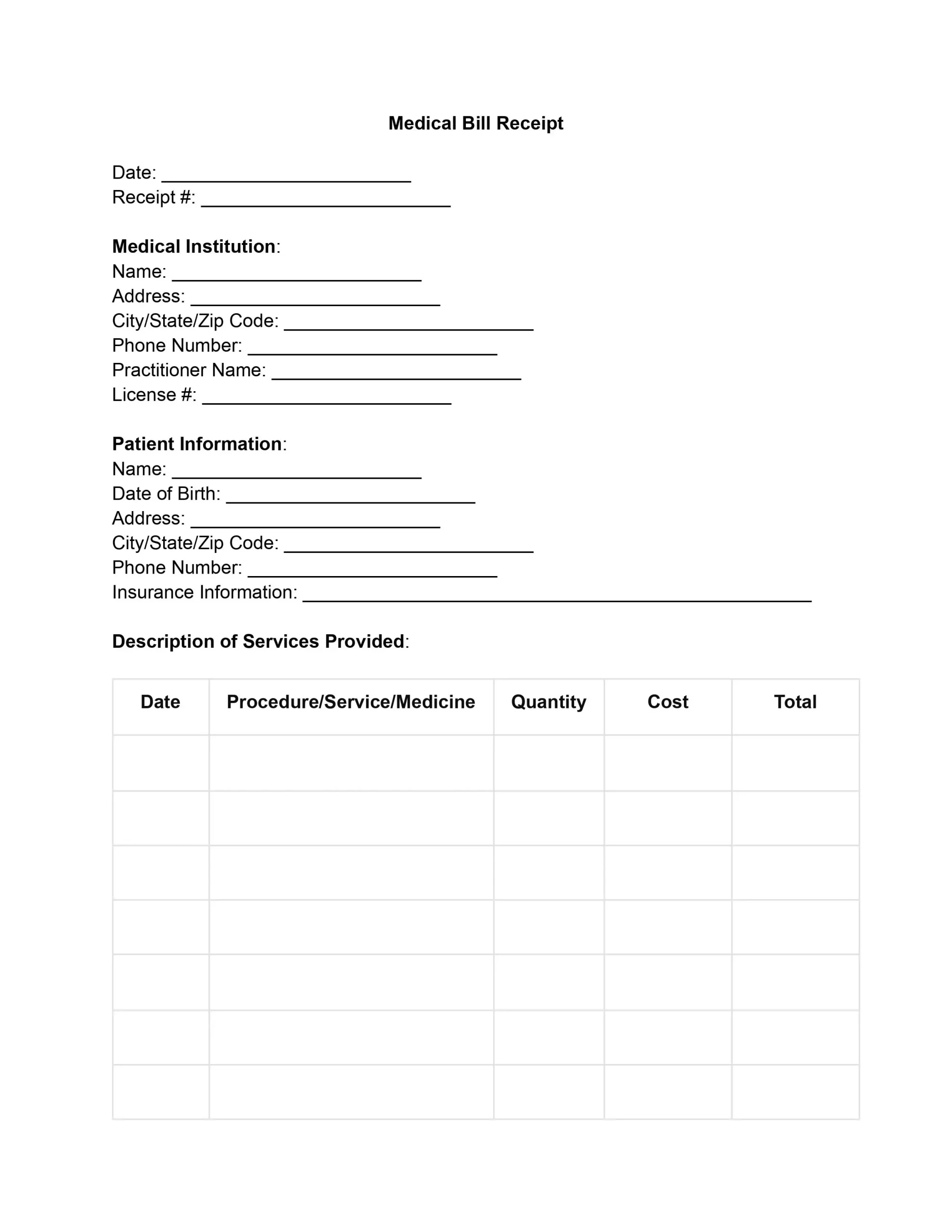
A medical receipt is a provider's proof of payment for care. It lists the patient, the provider, each service and its cost, insurance payments, and the payment method. Clinics, doctors, and hospitals issue one after payment, especially when insurance covers part.
This free medical receipt template puts every field in order: fill it in online, save a PDF, and print it or email it to the patient.
A medical receipt, also called a doctor receipt or medical bill receipt, is a document a healthcare provider gives a patient to confirm that a service was provided and paid for. It shows who was treated, what was done, what it cost, and how the bill was settled.
The receipt serves both sides of the visit. The patient keeps it as proof of payment for insurance or taxes. The practice keeps a copy to track income and answer billing questions later. An insurer reads it to see what was provided and what the patient already paid.
On any receipt of this kind, you can typically find the following items:
A receipt template gives every visit the same layout, so staff issue receipts faster and patients see exactly what they paid for. These are the main benefits:
A complete medical receipt includes the receipt number and date, the provider, the patient, each service or product with its price, the totals, any insurance payment, how the patient paid, and a signature. The template has a field for each detail in the table below.
| Field | What to enter |
|---|---|
| Receipt number and date | A unique number and the date the receipt is issued |
| Provider details | Clinic, hospital, or practitioner name, address, and phone |
| Patient details | Full name, date of birth, address, and phone |
| Services | Date, name of each procedure or service, and quantity |
| Products | Medicines or supplies, with the price of each |
| Costs | Price per item, subtotal, discounts, taxes, and total |
| Insurance | Insurer name, policy number, and the amount the insurer covered |
| Payment | Method, amount paid, payment date, and any balance left |
| Signature | Name and signature of the person who issues the receipt |
Write the charges section like an itemized receipt, with one line for each service or product. Anyone reading it can then check every amount against the final total.
To make a medical bill receipt, open the free template in the PDF editor, type into each field from top to bottom, check the totals, and sign it. Filling out our free medical receipt template means working through eight short steps.
Enter the date the receipt is issued at the top of the form, then add a unique receipt number. Follow the numbering your practice already uses, so every payment can be traced back to one visit.
Enter the name of the clinic, hospital, or practice where the patient was seen, with its full address and phone number. Add the practitioner's name and license number as well, so the receipt is easy to trace to the person who gave the care.
Fill in the patient’s full name, date of birth, residential address, city, state, zip code, and phone number. Add the insurer's name and the policy number if the patient has coverage. Check that the name matches the patient's ID or insurance card.
List every service, medicine, or supply on its own line, so the patient can see each charge separately. For each line, fill in these details:
Multiply the quantity by the cost per item to get a total for each line.
Add up every line to get the subtotal, then add any sales tax your practice charges on products to reach the total. If no tax applies to an item, say so on the receipt, so the reader knows why the total has no tax line.
Mark how the patient paid by ticking one of the payment boxes on the template, so the patient and the practice both know how the bill was settled:
If the patient paid by check or credit card, write the check number or only the last four digits of the card. Enter the payment date too, since it can differ from the visit date when a patient pays later.
Use the Special Instructions box for notes the patient needs after the visit, such as how to take a medicine, when to come back, or how the remaining balance will be billed.
The provider or an authorized staff member signs the receipt to confirm the details and the payment. Print the signer's name under the signature, so anyone reading the receipt knows who issued it.
When every field is filled in, save the receipt as a PDF or print it. Give the patient one copy and keep a signed copy for your files.
This sample shows how a finished receipt from the free template can look, with a visit, a lab test, and a medicine, split between insurance and the patient. The names, address, and amounts are made up for illustration, so replace each one with your own details.
| Item | Details | Amount |
|---|---|---|
| Office visit | General consultation, 1 visit | $90.00 |
| Lab test | Blood test, 1 at $45.00 | $45.00 |
| Medicine | Allergy tablets, 1 at $12.00 | $12.00 |
| Subtotal | $147.00 | |
| Taxes | $0.00 | |
| Total charged | $147.00 | |
| Insurance paid | $90.00 | |
| Paid by patient | $57.00 | |
The same template works for a doctor's office, a hospital, a dental practice, or a pharmacy counter, because each one lists a provider, a patient, the items, and the payment. Only the lines in the services table change.
A doctor receipt covers an office visit or a check up with one practitioner, and the patient gets it at the front desk once the visit is paid. It usually has a few lines: the consultation, any test done in the office, and any medicine handed out at the visit.
A hospital receipt covers a stay or an outpatient procedure and often has many lines from different departments. Group the lines by date, and show each insurance payment on its own line, so the patient can match the receipt to the insurer's explanation of benefits.
A medicine receipt lists each drug or supply sold to the patient by name, strength, quantity, and price, with the date of the sale. Mark which items were prescribed and which were bought over the counter, because insurers and tax preparers often treat the two differently.
A dental receipt follows the same layout as a doctor receipt, with each cleaning, filling, X-ray, or other procedure on its own line. Show the dental plan's payment on a separate line, since dental coverage is often a different plan from medical coverage.
A medical receipt confirms that a patient paid, while a medical invoice asks the patient or insurer to pay. A practice often sends the invoice first and issues the receipt once the money arrives.
| Point | Medical receipt | Medical invoice |
|---|---|---|
| Purpose | Confirms a payment | Requests a payment |
| When it is issued | After the patient pays | After the visit, before payment |
| Main amount | Amount paid and any balance | Amount owed |
| What the patient does with it | Keeps it as proof of payment | Pays it |
Keep both documents together. The invoice shows what was billed, and the receipt shows what was settled.
A medical receipt backs up an insurance reimbursement request or a medical expense deduction, because it shows the service, the date, the amount, and who paid it. Ask your insurer which papers it wants with a claim, since each plan sets its own claim process.
IRS Publication 502 says you should keep records of your medical and dental expenses to support your deduction, and not send these records with a paper return.
Under IRS Publication 502, the medical expense deduction is an itemized deduction on Schedule A (Form 1040), and you can deduct only the part of your medical and dental expenses that is more than 7.5% of your adjusted gross income (AGI).
IRS Publication 502 also says you must reduce your total medical expenses for the year by all reimbursements you receive from insurance or other sources during the year. A receipt that shows the insurer's share apart from the patient's share makes that step easier.
For medicines, IRS Publication 502 says that, except for insulin, you can't include amounts you pay for a drug that isn't prescribed. Read the full rules in IRS Publication 502, or ask a tax preparer about your own return.
The most common receipt mistakes are a total that does not match the lines, missing dates or numbers, and insurance and patient payments mixed together. Look over the slips below before you hand over a receipt.
A few habits prevent most of them:
Yes, the template is free: you can fill in the fields online, save the finished receipt as a PDF, and print it or send it without paying. The sample above shows how the totals work out.
Yes, you can email a receipt: save the finished form as a PDF and send it to the patient as an attachment, or print it at the front desk instead. Keep a copy of every receipt you send.
Ask the provider's billing office for a copy, and give them a few details so they can find the visit:
Store the copy with your other health paperwork.
The provider or an authorized staff member signs the receipt, with the signer's name printed below. The template has a signature line at the bottom for this.
Yes, you can change the fields: open the template in the PDF editor to add a line, rename a field, or add your practice's logo before you fill it in.
No, a receipt should describe only a visit that took place and a payment that was made, because it is useful only as proof of real care. Insurers and tax preparers rely on its amounts. Enter only what the patient was actually charged and actually paid.
General information, not legal or tax advice.
