
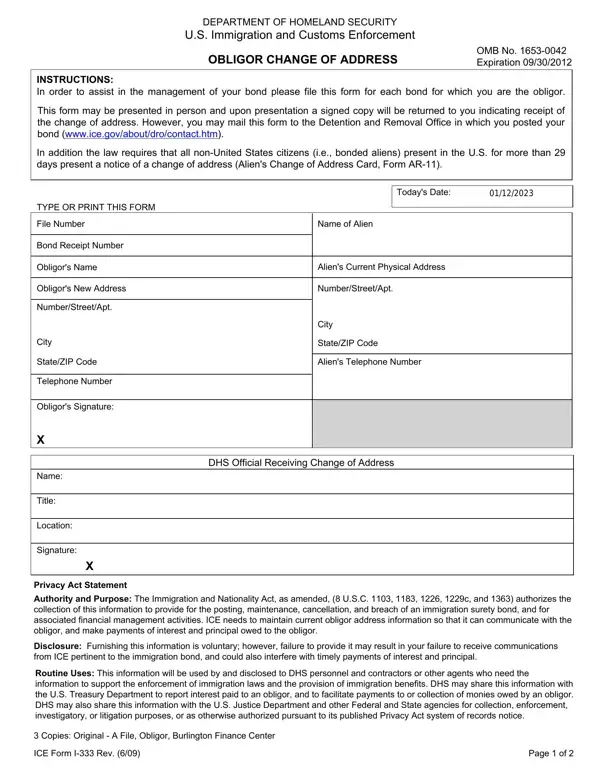
The 333 form, issued by the Department of Homeland Security's U.S. Immigration and Customs Enforcement (ICE), is a critical document for individuals acting as obligors on immigration bonds. Its primary function is to communicate address changes by the obligor to ICE, ensuring smooth management of immigration bonds. By providing updated contact details, the form enables ICE to deliver communications regarding the bond and to process any interest or principal payments owed to the obligor. Completion is voluntary, but failing to submit it may result in missing critical ICE notices and delays in receiving financial payments tied to the bond. The information collected through this form is protected under the Privacy Act and used strictly within the scope of immigration law enforcement and benefits administration.
Any person acting as an obligor on a U.S. immigration bond must file Form I-333 whenever their address changes. Non-U.S. citizens present in the United States for more than 29 days are required to notify ICE of address changes under federal immigration regulations. This applies to individual sureties and corporate obligors holding bonds issued by ICE. Keeping ICE informed protects your status as a bond obligor and ensures uninterrupted processing of all bond-related transactions.
Submit Form I-333 as soon as your address changes. Send the completed form to the ICE Debt Management Center or deliver it in person to the nearest ICE field office. Retain a copy for your records. If you need to notify other agencies of the same address change, an address change form may also be required. For questions about the underlying bond terms, see the immigration bond application for reference on bond conditions.
| Question | Answer |
|---|---|
| Form Name | 333 Form |
| Form Length | 2 pages |
| Fillable? | No |
| Fillable fields | 0 |
| Avg. time to fill out | 30 sec |
| Other names | i333, form i 333, i 333 form, ice for i333 |