
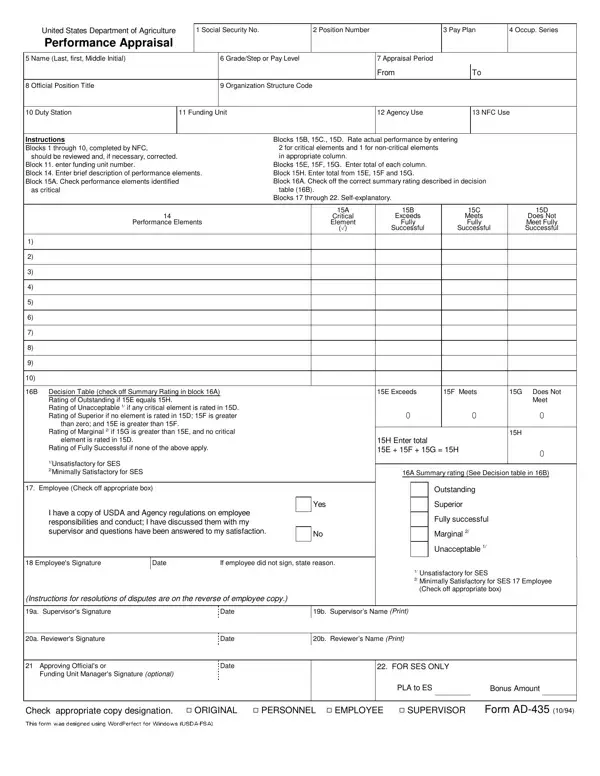
The AD-435 form is issued by the United States Department of Agriculture (USDA) for annual employee performance appraisals. It collects core employee data including name, Social Security number, grade or pay level, and the appraisal period dates. The form covers each performance element as either critical or non-critical. Ratings range from Outstanding to Unacceptable, based on USDA evaluation standards.
Once all elements are rated, the supervisor calculates a summary rating for the appraisal period. The supervisor, reviewing official, and approving official must all sign the completed form. Employees review and acknowledge the appraisal in a separate acknowledgment section. The document also explains the grievance procedures available for employees who dispute the outcome. For related federal appraisal resources, the ACF performance progress report is also available on FormsPal.
| Question | Answer |
|---|---|
| Form Name | Ad435 Form |
| Form Length | 2 pages |
| Fillable? | No |
| Fillable fields | 0 |
| Avg. time to fill out | 30 sec |
| Other names | ad435 form, ad435, ad 435 usda, ad 435 usda fillable |