
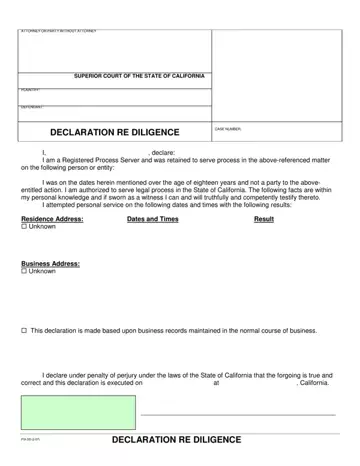
Form PSI-DD at a glance
What it is: PSI-DD (2-07) is the DECLARATION RE DILIGENCE.
Who signs: You are a Registered Process Server and were retained to serve process in the matter.
A filled-in Form PSI-DD example: a process server reports three failed attempts
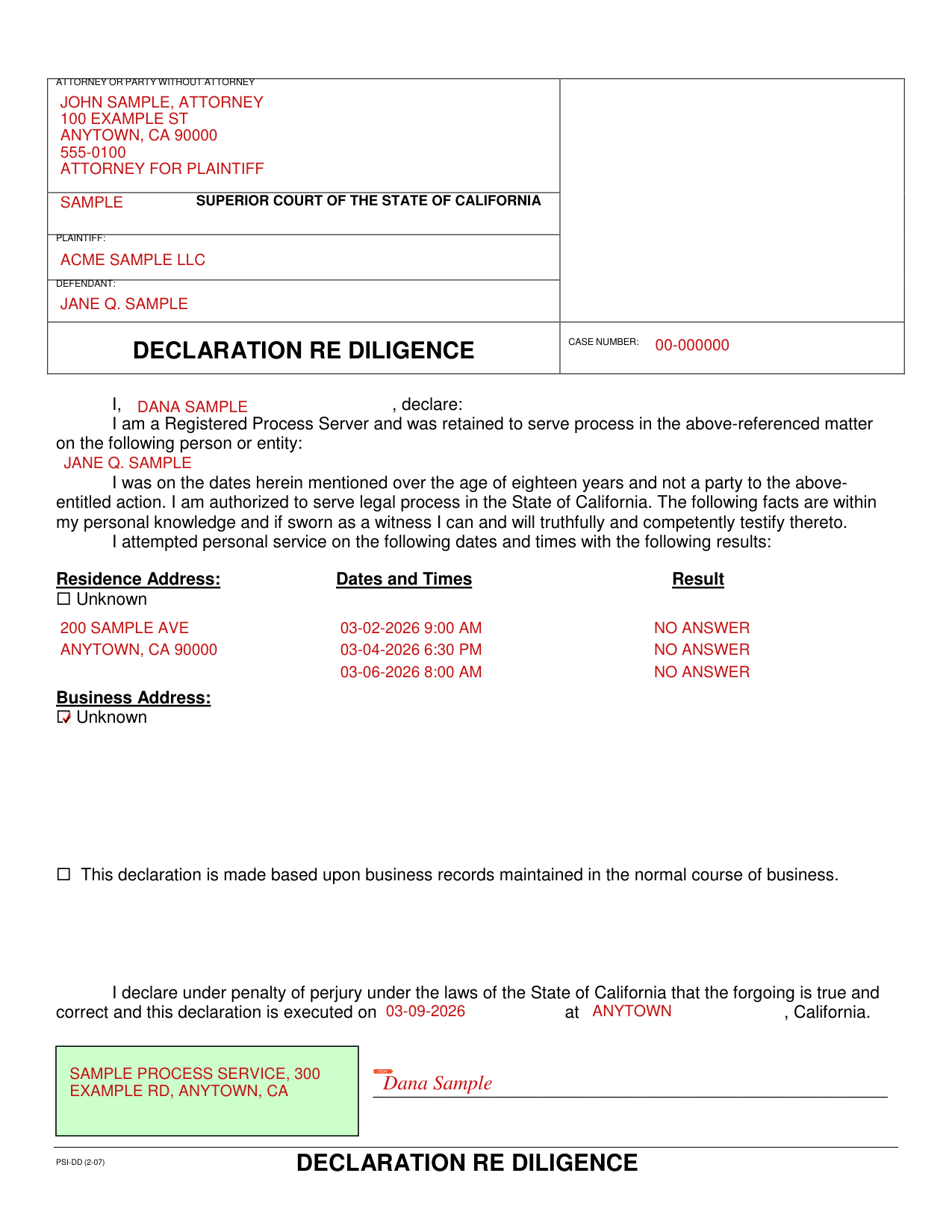
How to fill out Form PSI-DD, box by box
Attorney or party without attorney

Enter the attorney or party without attorney on the lines under ATTORNEY OR PARTY WITHOUT ATTORNEY.
Superior Court of the State of California, plaintiff, defendant and case number
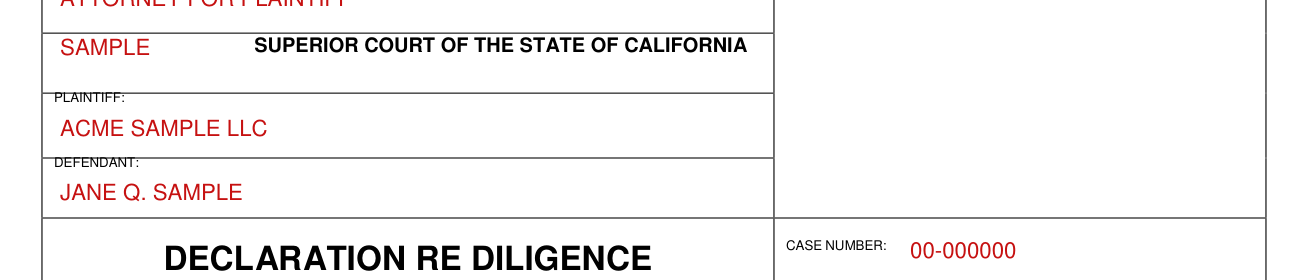
Under SUPERIOR COURT OF THE STATE OF CALIFORNIA, enter the PLAINTIFF, the DEFENDANT and the CASE NUMBER.
Declaration re diligence

Under DECLARATION RE DILIGENCE, write after I who you are, and write the person or entity you were retained to serve.
You state that you were over the age of eighteen years and not a party to the action, and authorized to serve legal process in the State of California.
You state that the following facts are within your personal knowledge and if sworn as a witness you can and will truthfully and competently testify thereto.
Residence Address

Under Residence Address, enter the address and, for each attempted personal service, the Dates and Times and the Result.
Mark Unknown under Residence Address when that address is unknown.
Business Address

Under Business Address, enter the Dates and Times of each attempted personal service and the Result, unless Unknown is marked.
Mark Unknown under Business Address when that address is unknown.
Business records, penalty of perjury and signing
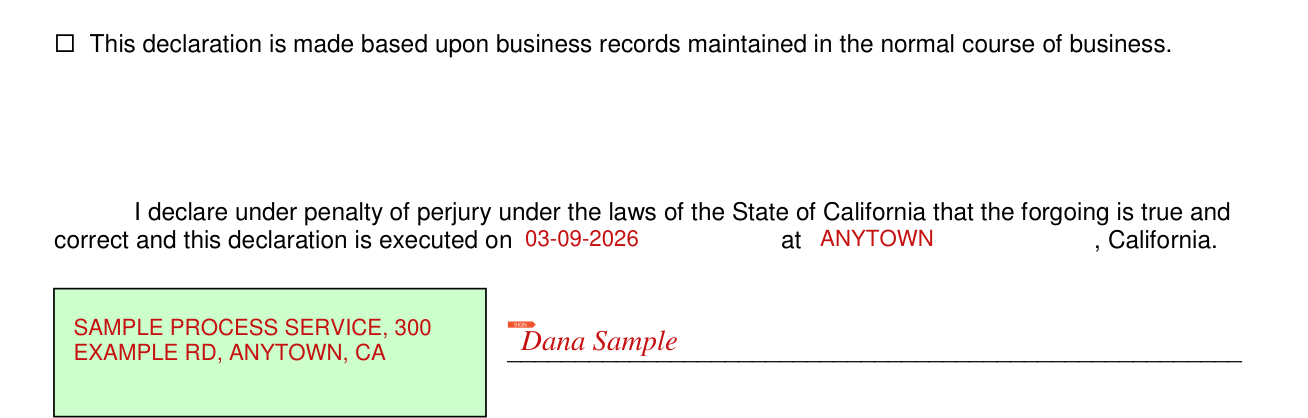
If this declaration is made based upon business records, mark the box before: this declaration is made based upon business records maintained in the normal course of business.
Sign under "I declare under penalty of perjury under the laws of the State of California that the forgoing is true and correct".
Sign under SIGN, and fill in the blank after executed on and the blank after at, before California.
Sources
[1] Form PSI-DD (2-07), Declaration Re Diligence, Professional Service Institute (the Official source link on this page).
