
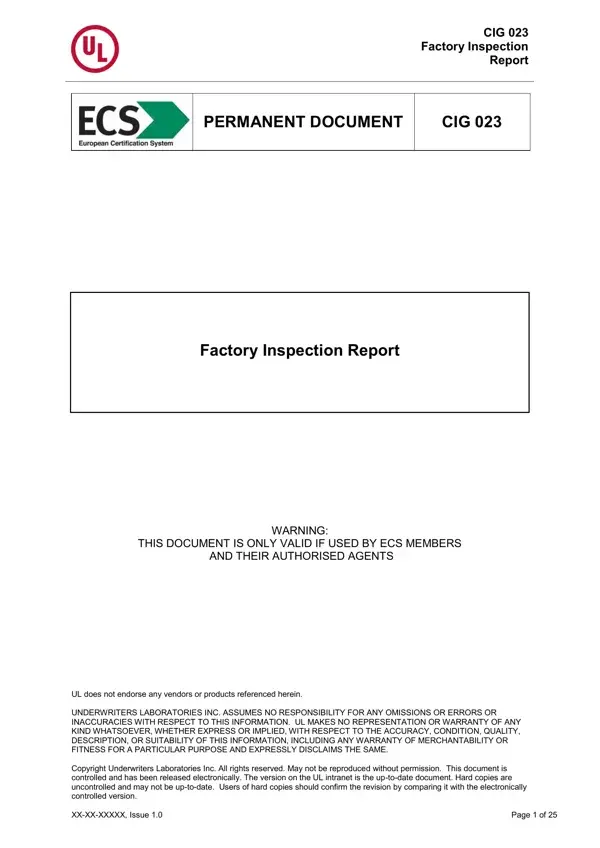
This factory inspection report can be opened and reviewed online using the FormsPal PDF viewer. Click the button on this page to open the document and review its 25-page structure before downloading. Follow these steps to work with this inspection document:
Step 1: Click the "Get Form" button at the top of this page to open the factory inspection report in the FormsPal PDF viewer.
Step 2: Review the document structure. The inspection report covers several sections with specific documentation requirements for each part of the factory review process:
1. On the general factory report page, record the facility name, address, production capacity, and types of products manufactured. Include the inspection date and the name of the UL-authorized inspector conducting the review.
2. In the inspector evaluation section, document all observations about the factory's production processes, equipment condition, and quality control procedures. Inspectors must record findings even when production was not witnessed directly.
3. Complete the test data sheets by entering measurements, test results, and performance data for each product sample reviewed. All records must be accurate and traceable to the specific samples identified in the document.
4. In the sample identification criteria section, record detailed information about each selected product sample, including part numbers, model designations, and construction details relevant to the certification standards.
5. For purchased components, complete the incoming inspection records by documenting the supplier, component type, quantity received, and results of incoming quality checks. These records support ongoing compliance verification for your facility.
Step 3: After reviewing all sections, download the report and retain it as a permanent compliance document. This inspection record must be kept on file and made available to Underwriters Laboratories Inc. upon request as part of the ECS certification process. For other inspection and compliance forms, see the inspection report Alberta and the JLG inspection report.
Frequently asked questions
What is this factory inspection report used for?
This is a factory inspection report used by Underwriters Laboratories Inc. (UL) ECS members and authorized agents to document factory compliance checks. It records inspection findings, test data, and sample identification criteria to verify that manufacturing facilities meet UL product safety and certification standards.
Who can use this UL factory inspection document?
The inspection report is restricted to use by UL ECS member organizations and their authorized agents. Unauthorized use is explicitly prohibited. Inspectors must be authorized by Underwriters Laboratories Inc. before conducting inspections using this document.
How many pages does this inspection document have?
The factory inspection report is 25 pages long. It covers multiple inspection categories including the general factory report, inspector evaluations, test data sheets, sample identification criteria, and incoming inspection records for purchased components.
What must inspectors document if production was not observed?
The inspection document requires inspectors to evaluate and document production processes even when not directly present during production. Inspectors must provide detailed findings and a clear rationale for any deviation from standard inspection procedures or expected product specifications.
Is this factory inspection report available as a fillable PDF?
This factory inspection report is not a fillable PDF. It contains 0 fillable fields and is used as a printed document that inspectors complete by hand during or after factory visits. Download the report from FormsPal to print and use it for your factory inspection documentation.
