
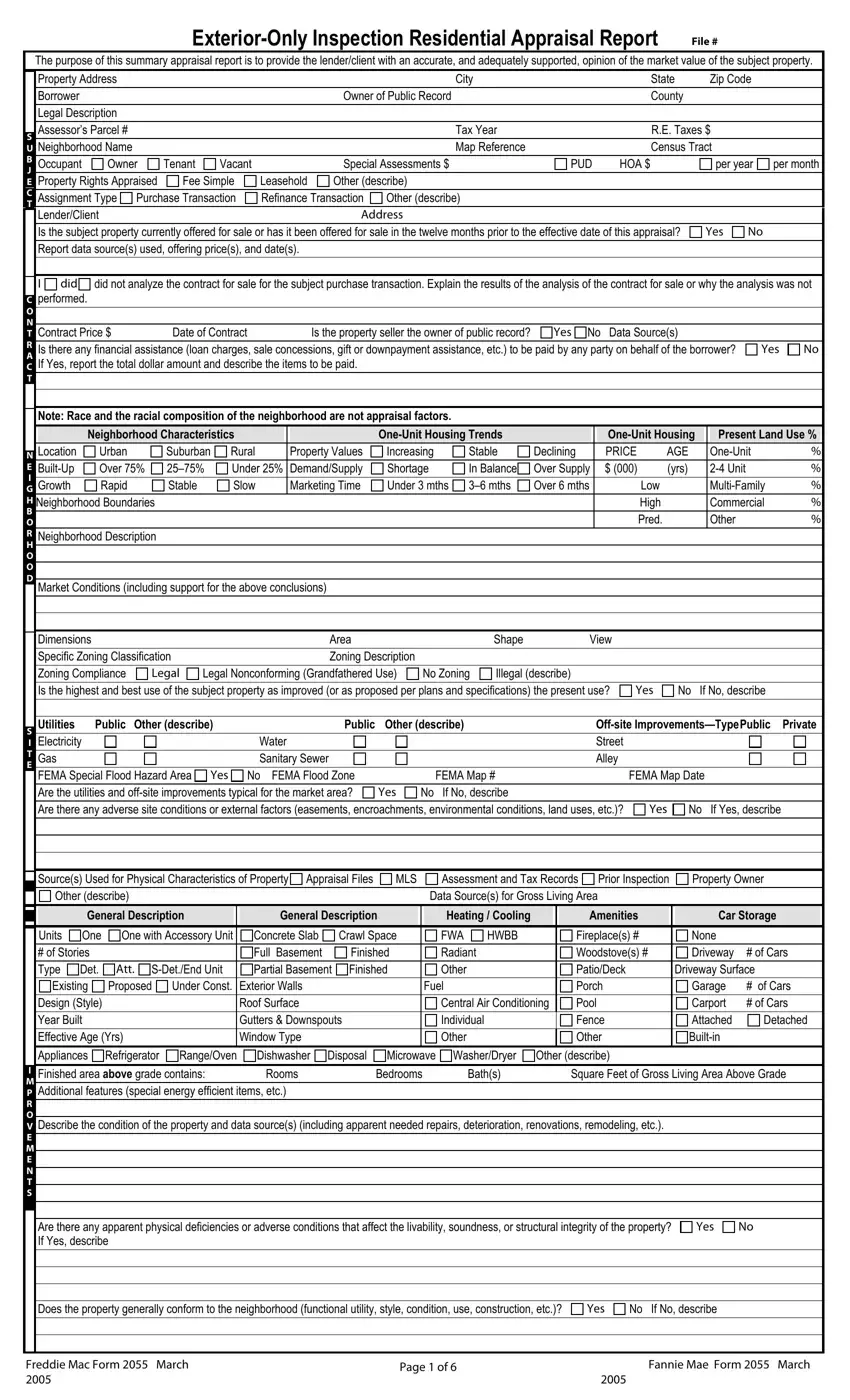
 did
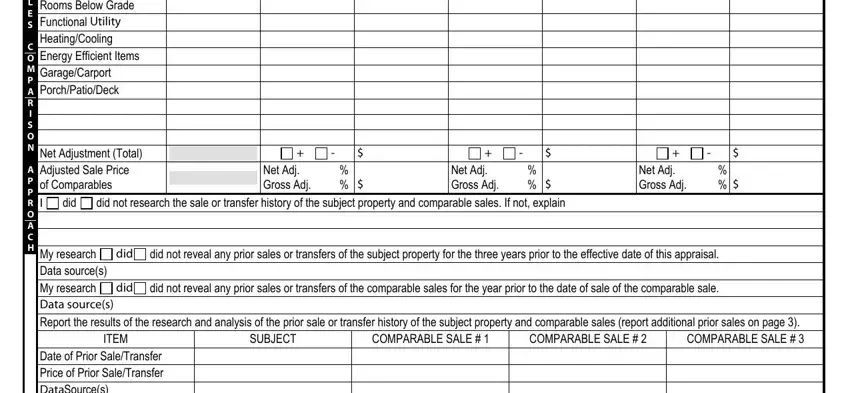
did did not analyze the contract for sale for the subject purchase transaction. Explain the results of the analysis of the contract for sale or why the analysis was not performed.
 No If No, describe
Step 1: Open the 2055 Appraisal Form
Click the orange "Get Form Now" button at the top of this page to open the form in our PDF editor.
Step 2: Fill In the Required Information
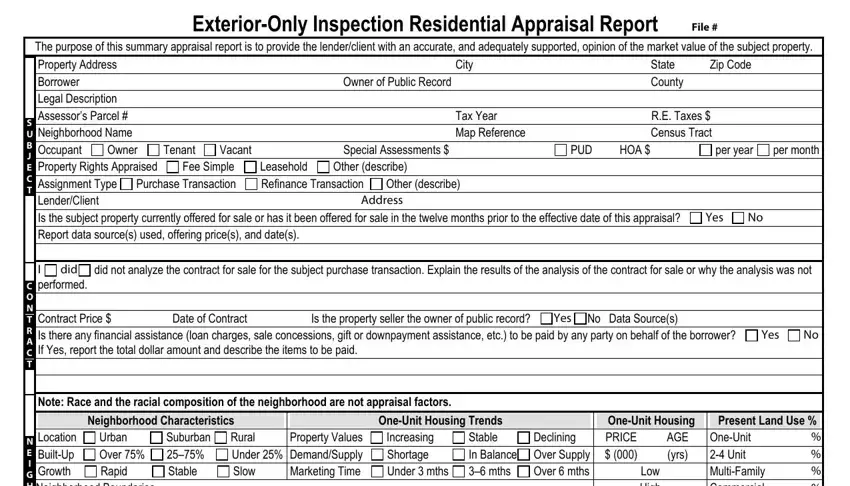
Use the toolbar to add or edit text. Complete all required sections:
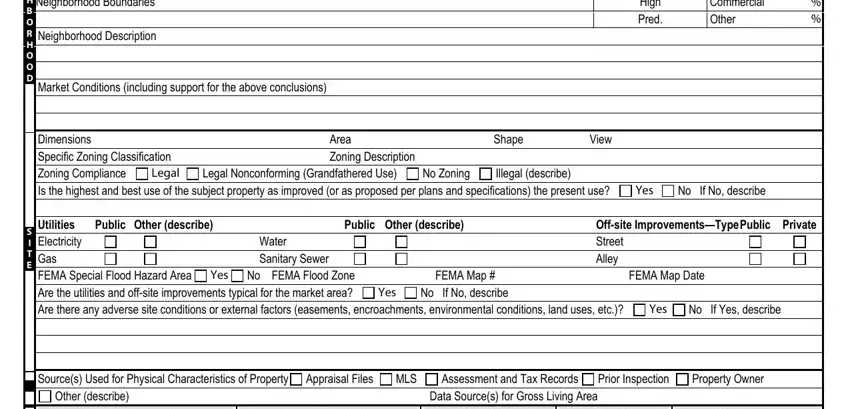
Enter details for Location, Neighborhood Description, Market Conditions, Zoning, Shape, and View.
Provide information for General Description, Heating, Cooling, Amenities, Car Storage, Year Built, Bedrooms, and Baths.
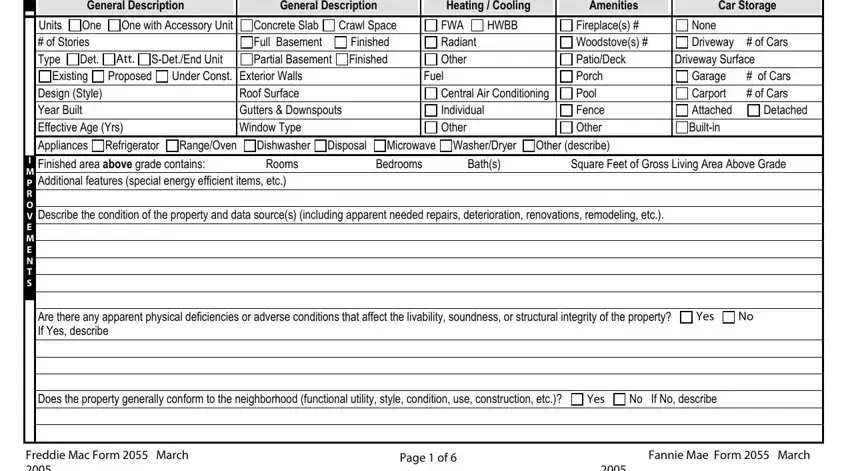
In the Exterior-Only Inspection section, record comparable sale prices, total bedrooms, baths, and square footage for each comparable property.
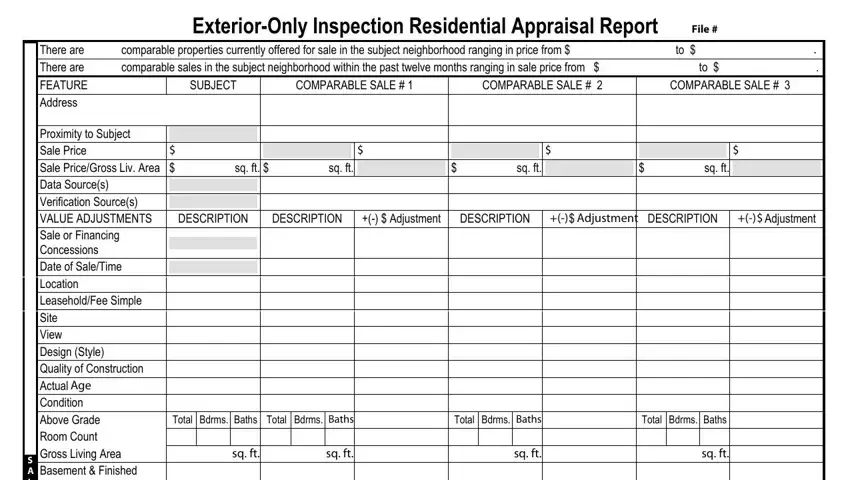
Complete the adjustment fields including Net Adjustment, Gross Adjustment, and prior sales history. List your data sources.
Step 3: Save and Download
Click Done when finished. Export the completed 2055 form to your device or send it by email. Keep a copy for your records.
For related forms, see the Form 1004 full appraisal or the 2045 appraisal form.
