
Creating Documents
Choose documents from the Library
Browse the Library through the Create new tab to find free legal documents, forms, and contracts tailored to your needs. Whether you're drafting a business agreement, real estate form, or personal contract, the Library provides professionally designed templates for quick and easy editing.
FormsPal is not a law firm and does not provide legal advice. Using this website does not establish an attorney-client relationship between you and FormsPal. All information, templates, and services available on this website are for informational purposes only.
How to choose documents from the Library?
Follow these steps to choose any free legal document, form, or contract in our library:
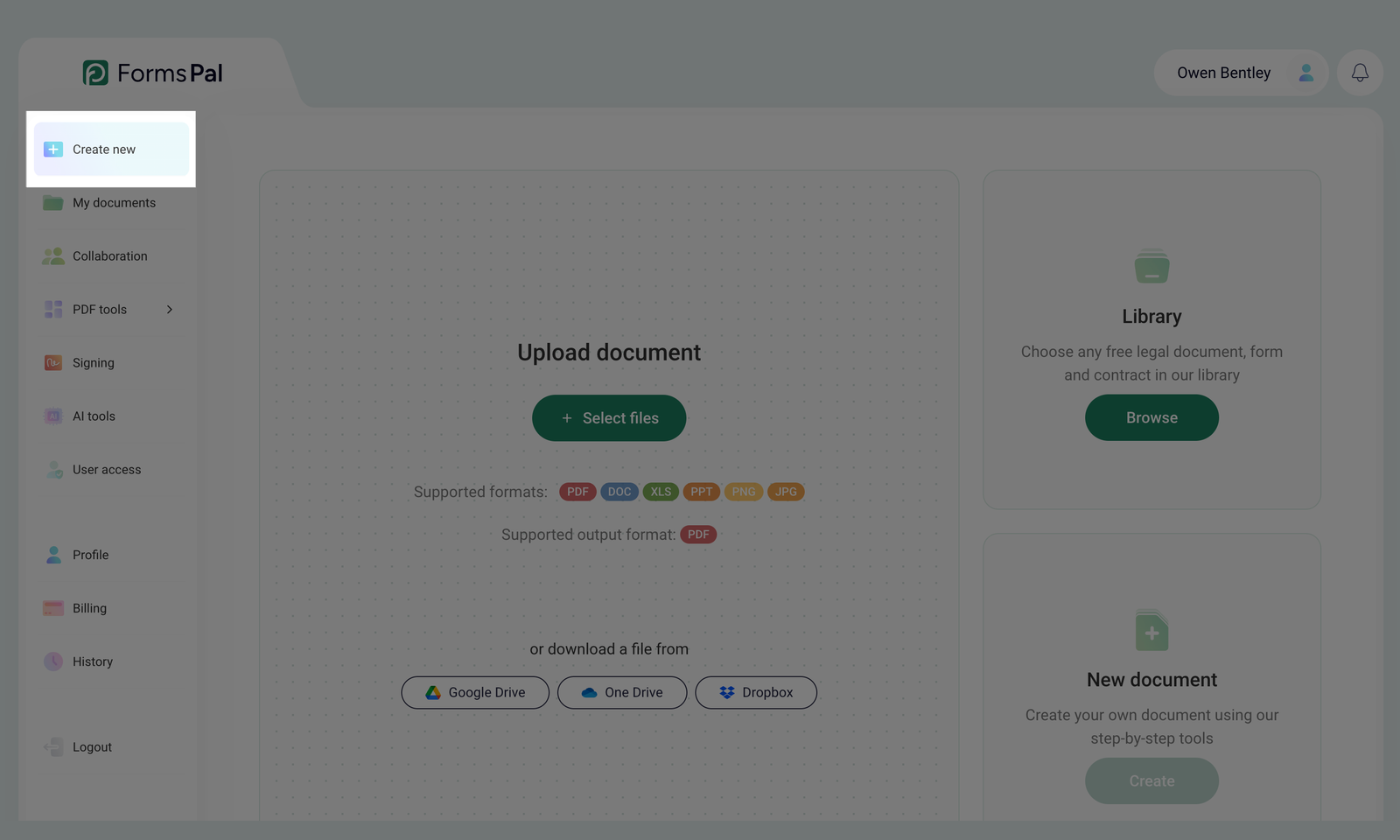
- Open the Create new tab from the left-side menu.
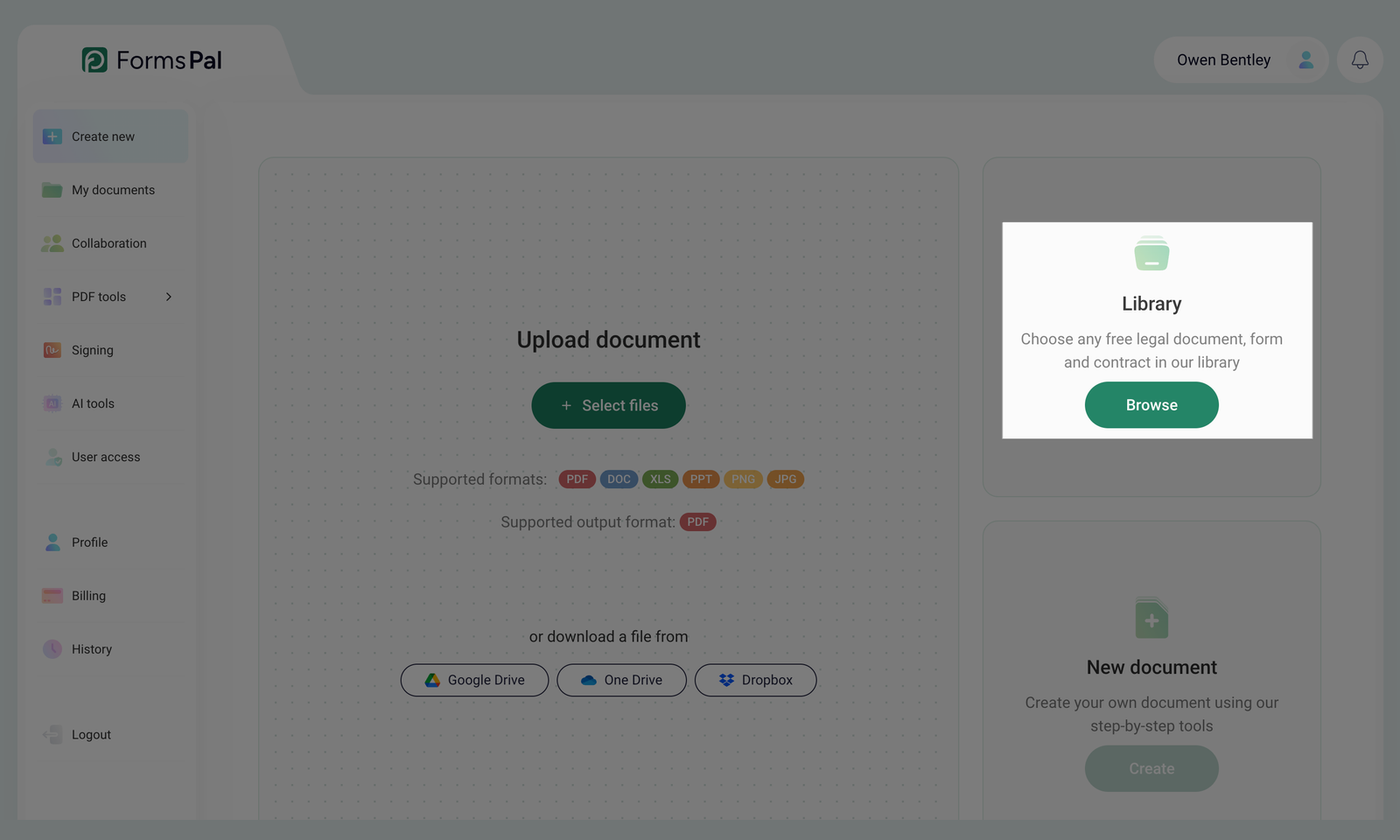
- Locate the Library section on the screen and click the Browse button.
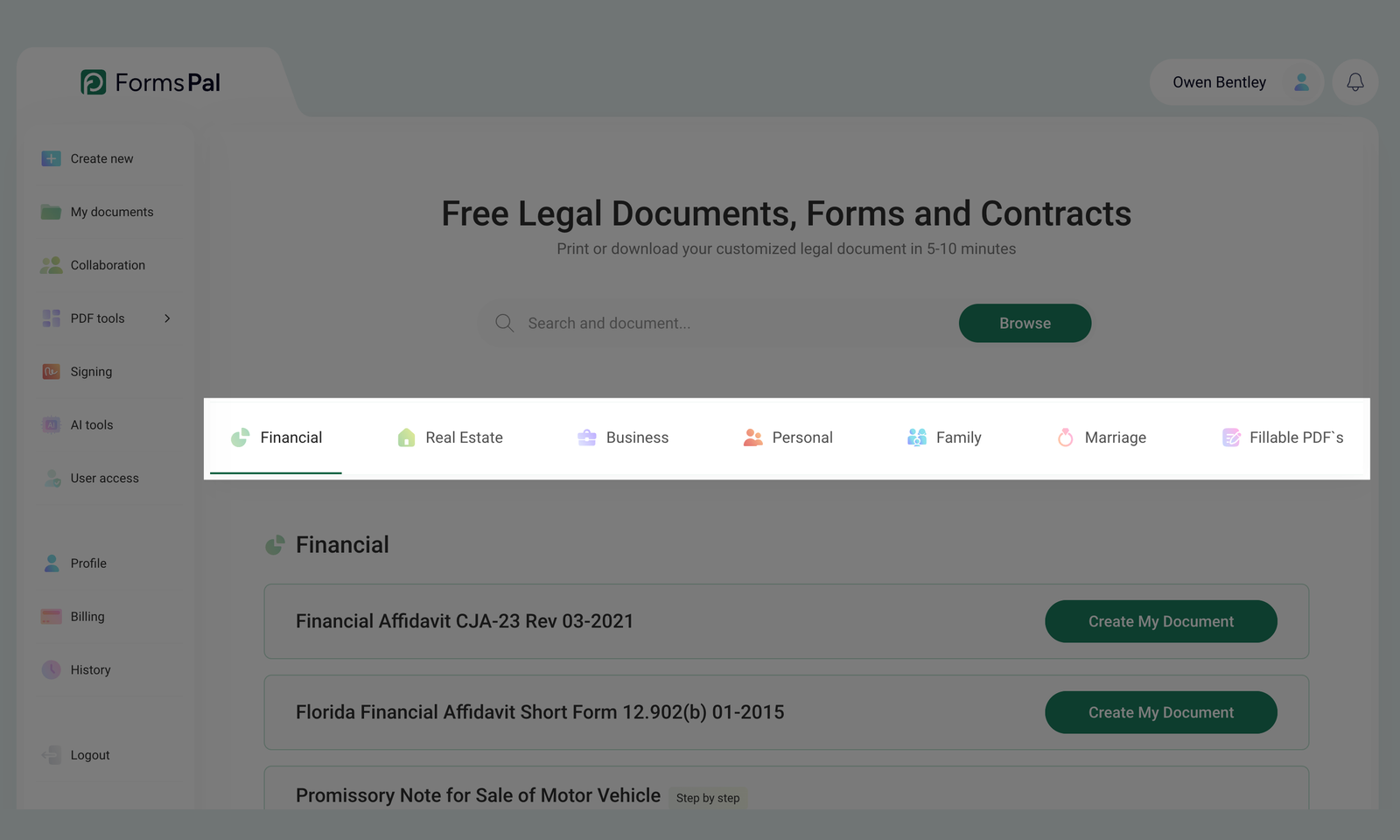
- Once the Library opens, choose from the available categories such as Financial, Real Estate, Business, Personal, Family, Marriage, or Fillable PDFs.
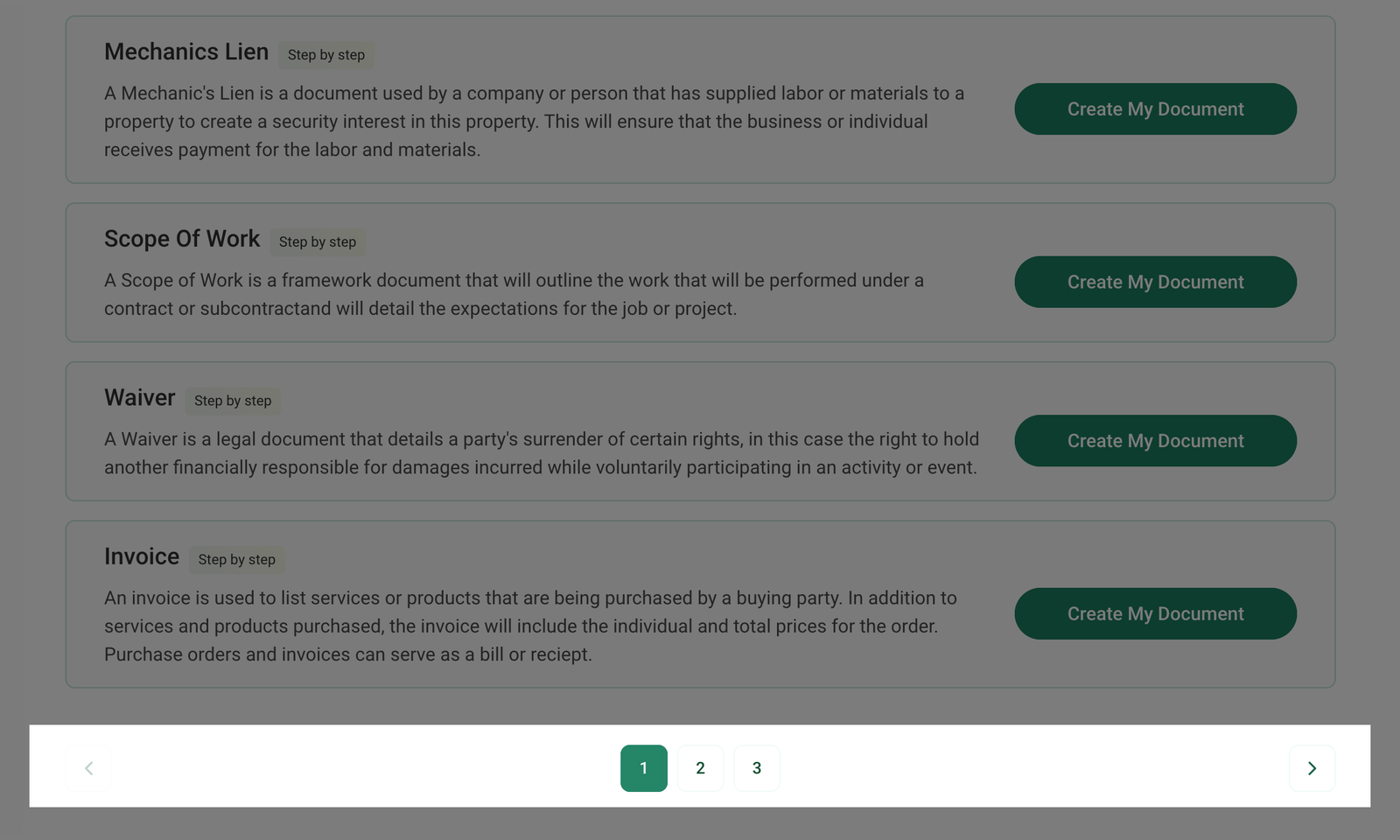
- Select a page within the chosen section by clicking on the page number or using the Previous and Next buttons to browse through the available documents.
- If you can't find the document by browsing through categories, use the search bar:
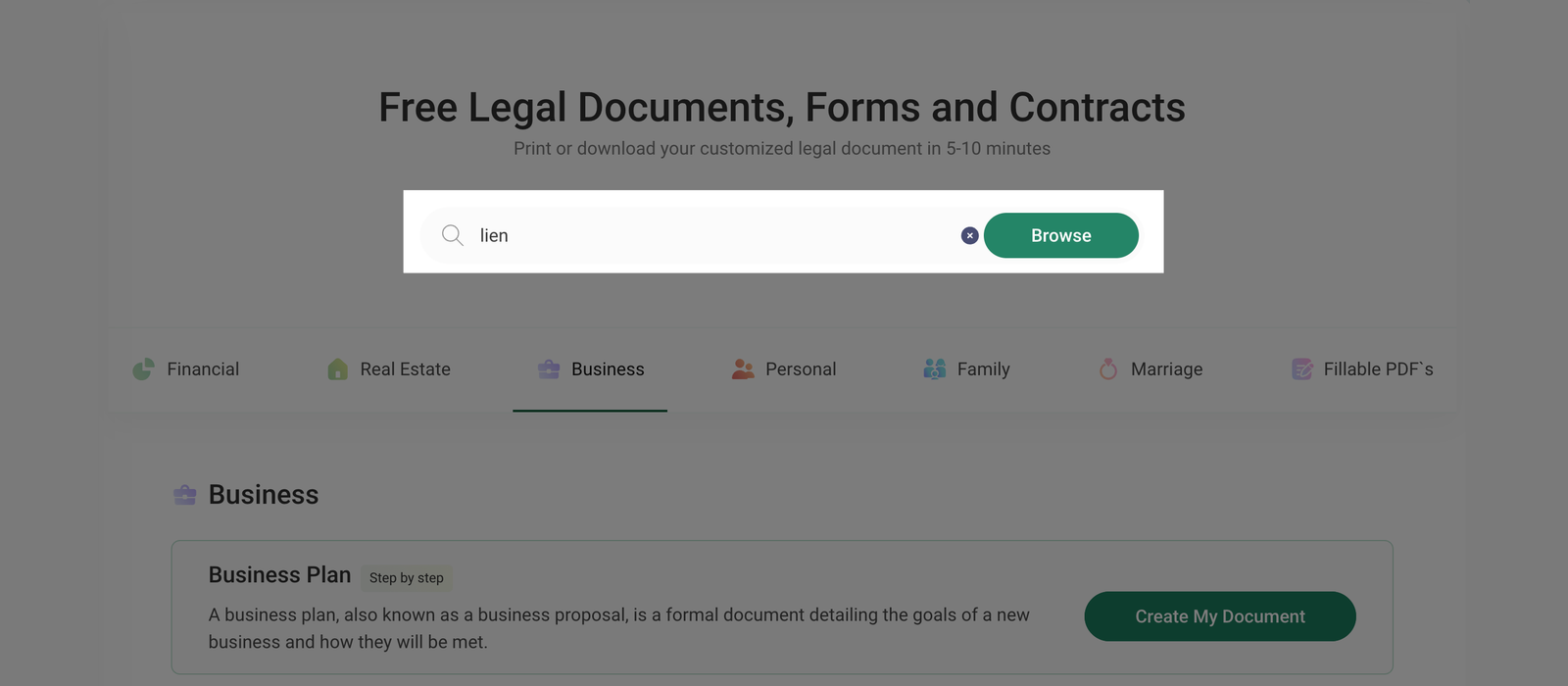
- Enter at least one letter, symbol, or the full document name in the search field.
- Click Browse to display relevant results.
- To clear the search field, click the x icon.
- Once you've found the template you need, click Create My Document to proceed.
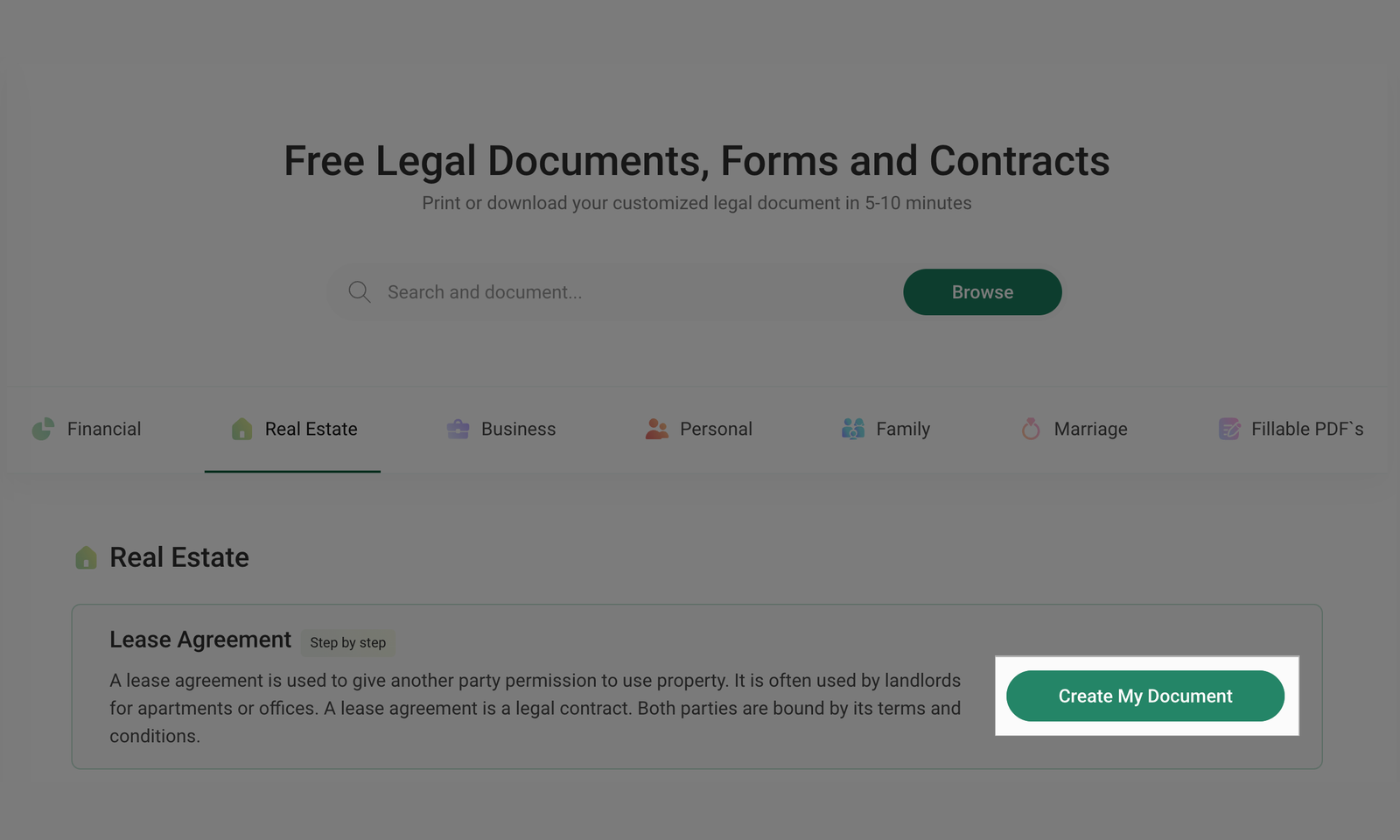
Depending on the document type, you will be guided through either a Step-by-step document creation process or the PDF Editor.