
AI Tools
Ask questions
Use the Ask Questions tool to quickly get answers to your inquiries. This tool is designed to provide detailed information and insights based on your questions. Enter your question, submit it, and the system will process it and respond to you.
How to ask questions of our AI assistant?
To ask a question, please follow these steps:
- Click the AI Tools option in the left sidebar of the editor.
- Select the Ask Questions tab. You will see a specific section for your inquiries.
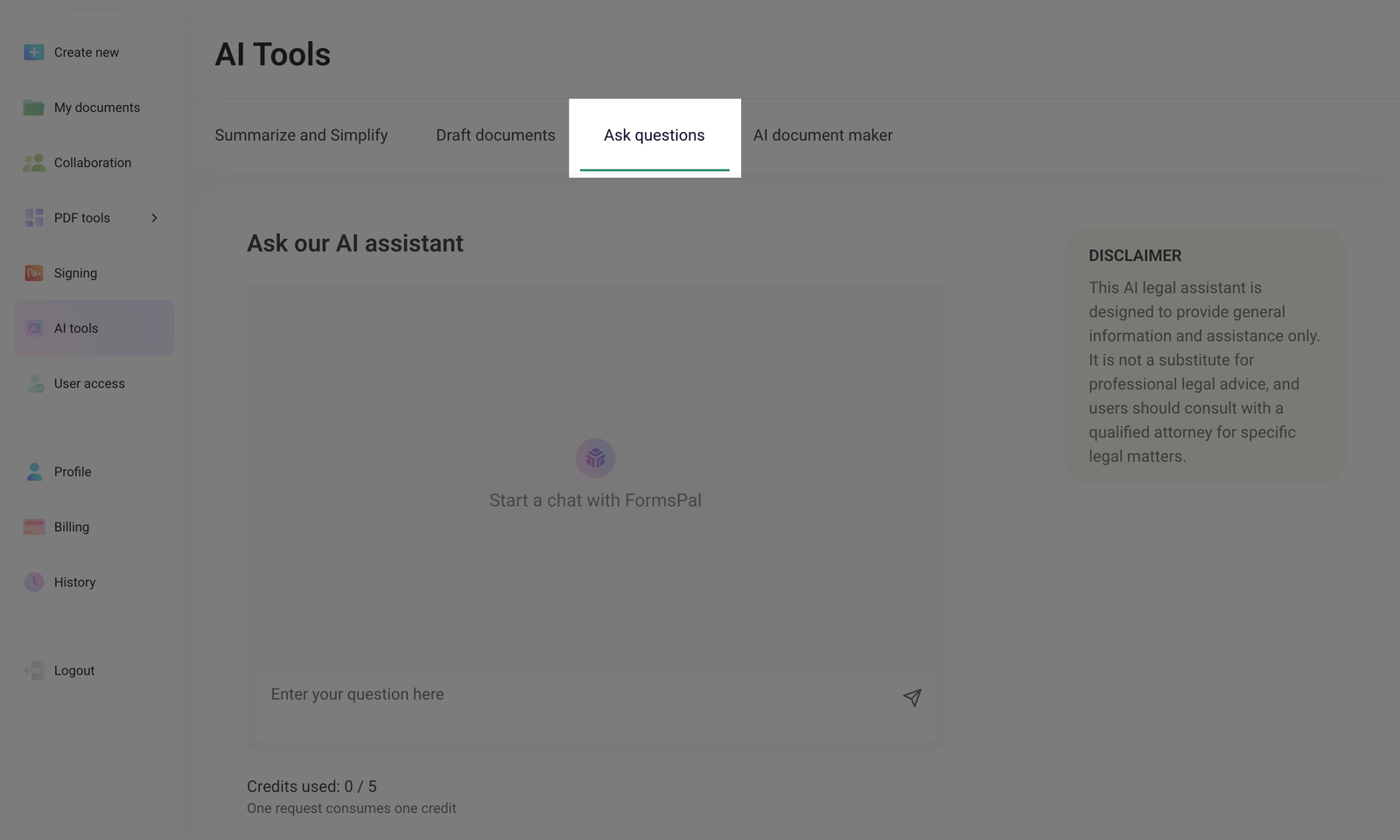
- Enter your question in the provided field.
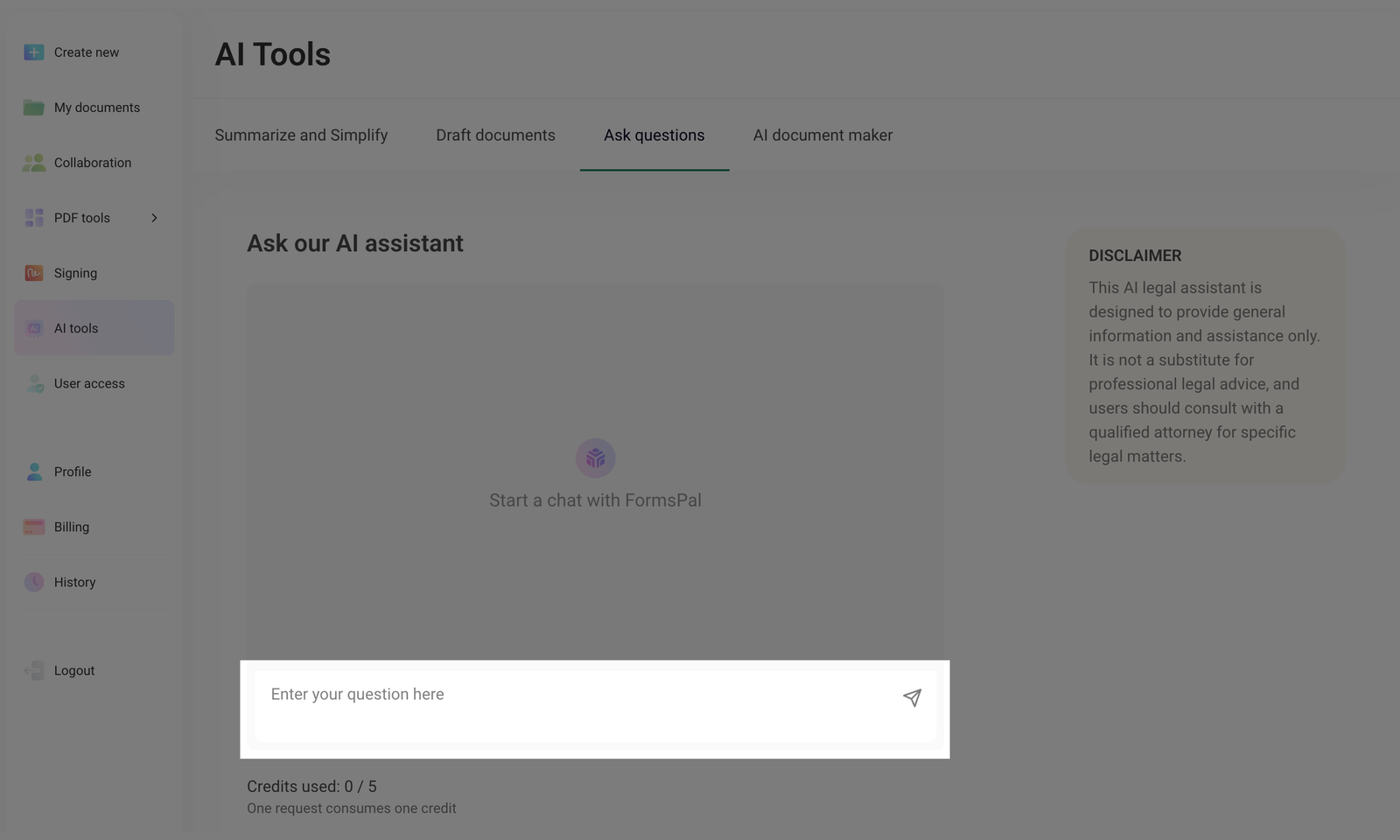
- Once the text is entered, click the Send button, the send icon, or press the Enter key on your keyboard.
- Our assistant will respond to your query, providing you with information to the best of its knowledge.
This AI legal assistant is designed to provide general information and assistance only. It is not a substitute for professional legal advice, and users should consult with a qualified attorney for specific legal matters.
- Review the AI-generated response based on your question and use the text according to your needs.
Each query uses one credit (out of the five available). Each month, you will get new credits. Credits do not carry over from previous months.