
AI Tools
Summarize and simplify
Use the Summarize and Simplify AI tool to generate concise summaries and easy-to-understand versions of complex documents quickly. Upload your file or paste the text, choose the format of the summary, and let the AI do the work. Once processed, you can review, edit, and save the summarized or simplified version for easy sharing or further use.
How to summarize a text?
To summarize your text, please follow these steps:
- Click the AI Tools option in the left sidebar of the dashboard, then select the Summarize and Simplify option.
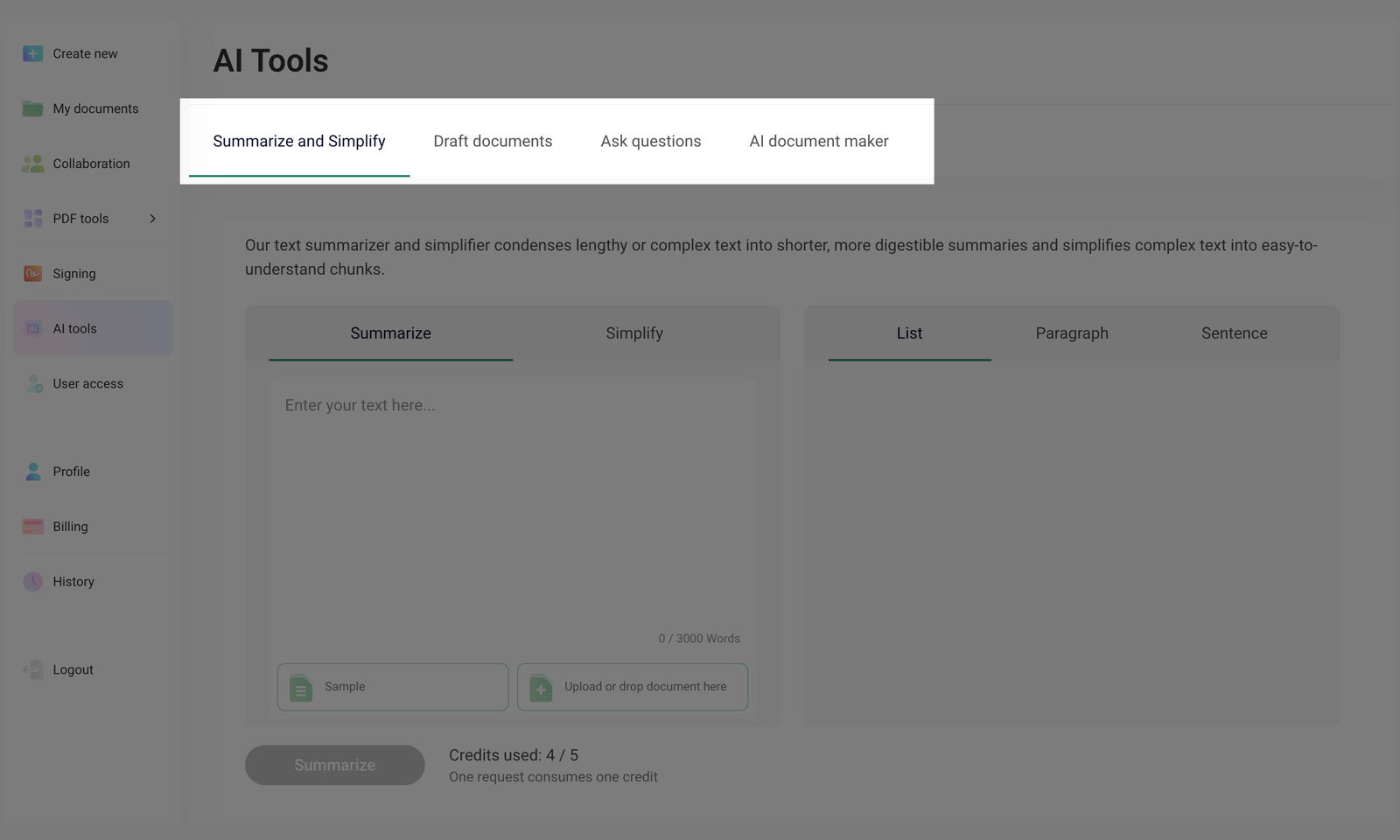
- To summarize the text, select the Summarize option.
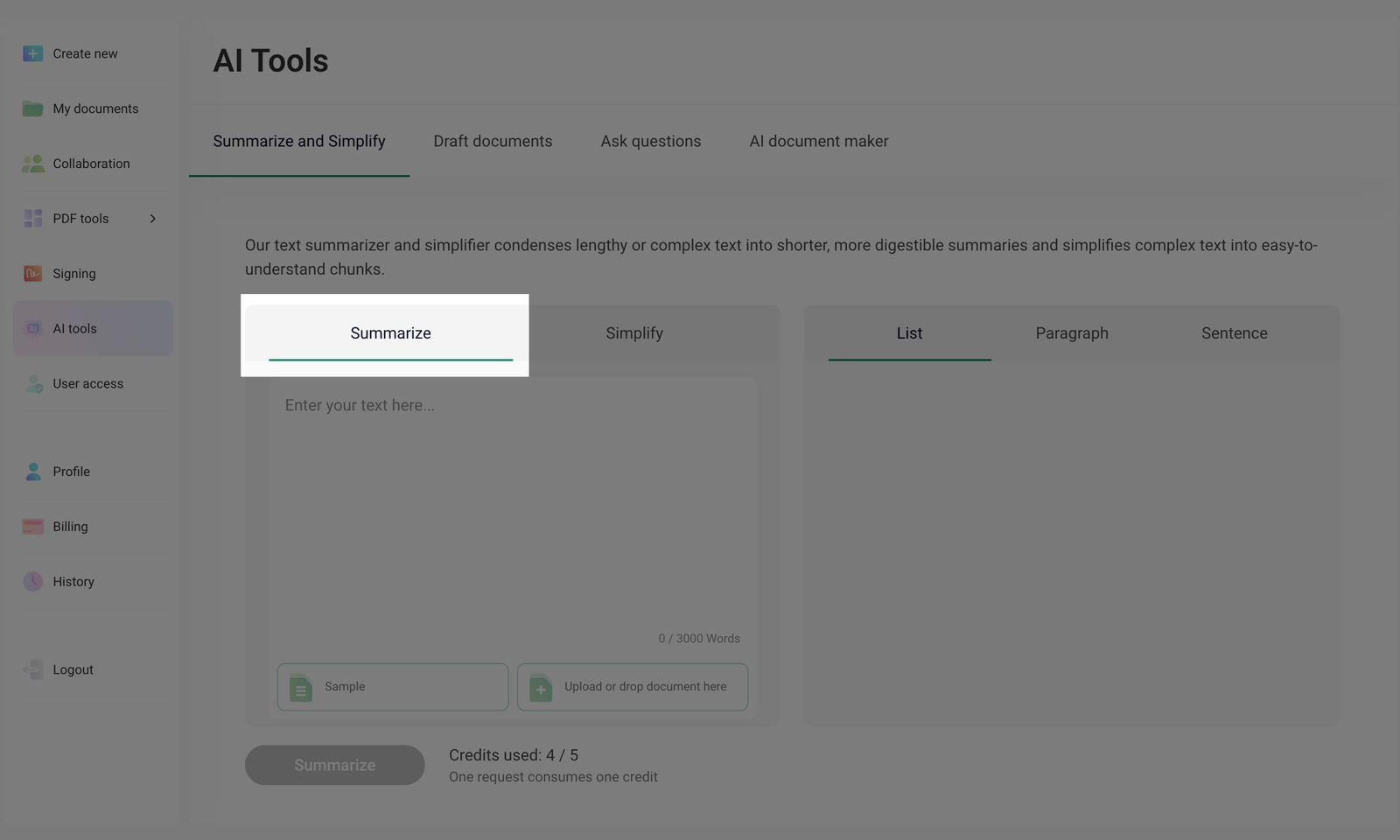
Click Sample to see an example of how Summarize works. You can easily delete the sample text in the field and enter yours instead.
- You can enter or paste the previously copied text into the input field or upload your document by clicking Upload or drop document here. Alternatively, you can drag and drop the file.
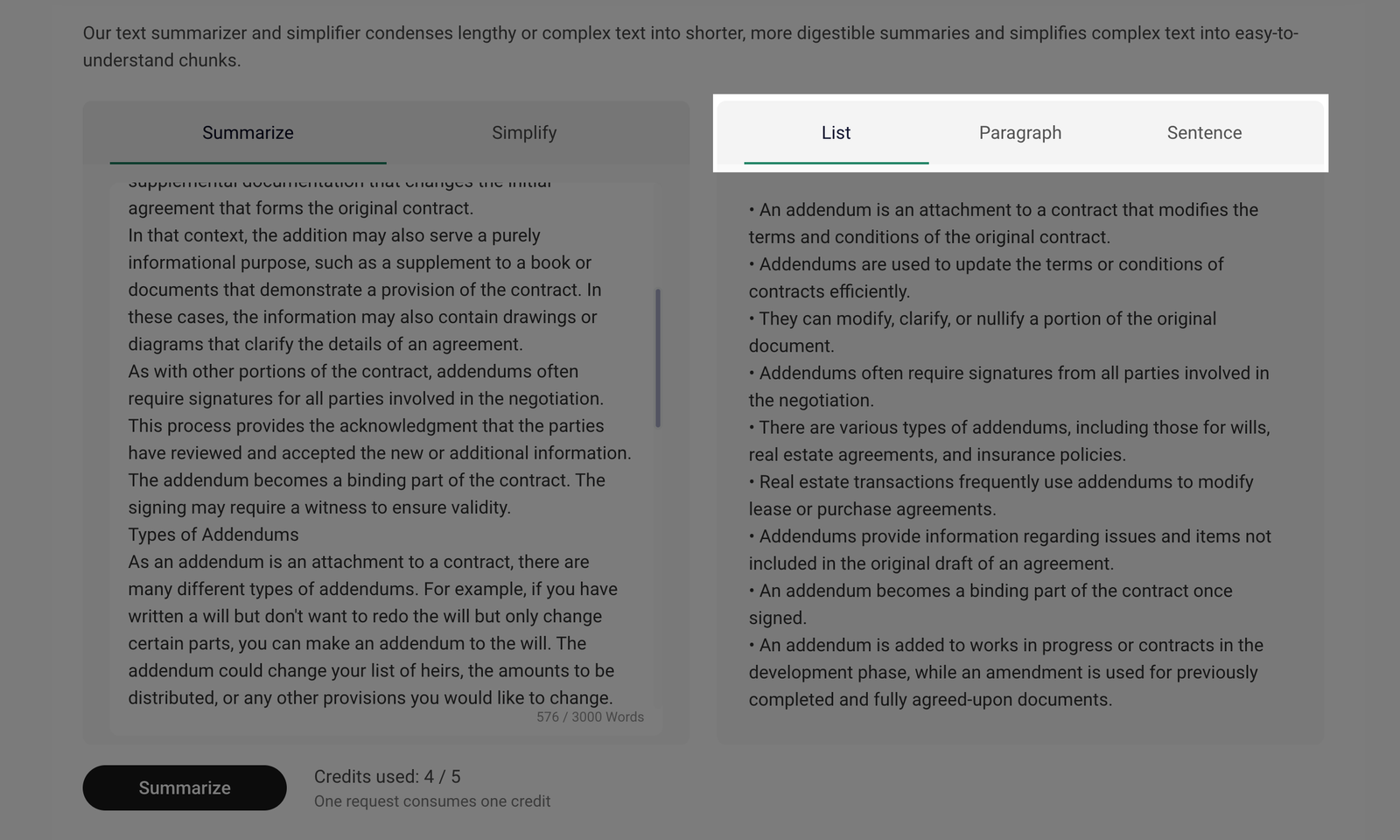
- After you enter the text or upload the document, you will have to choose the output format, that is, how you want to see your text summarized. You can select from the List, Paragraph, or Sentence options.
- Click the Summarize button to generate a summary in the selected format.
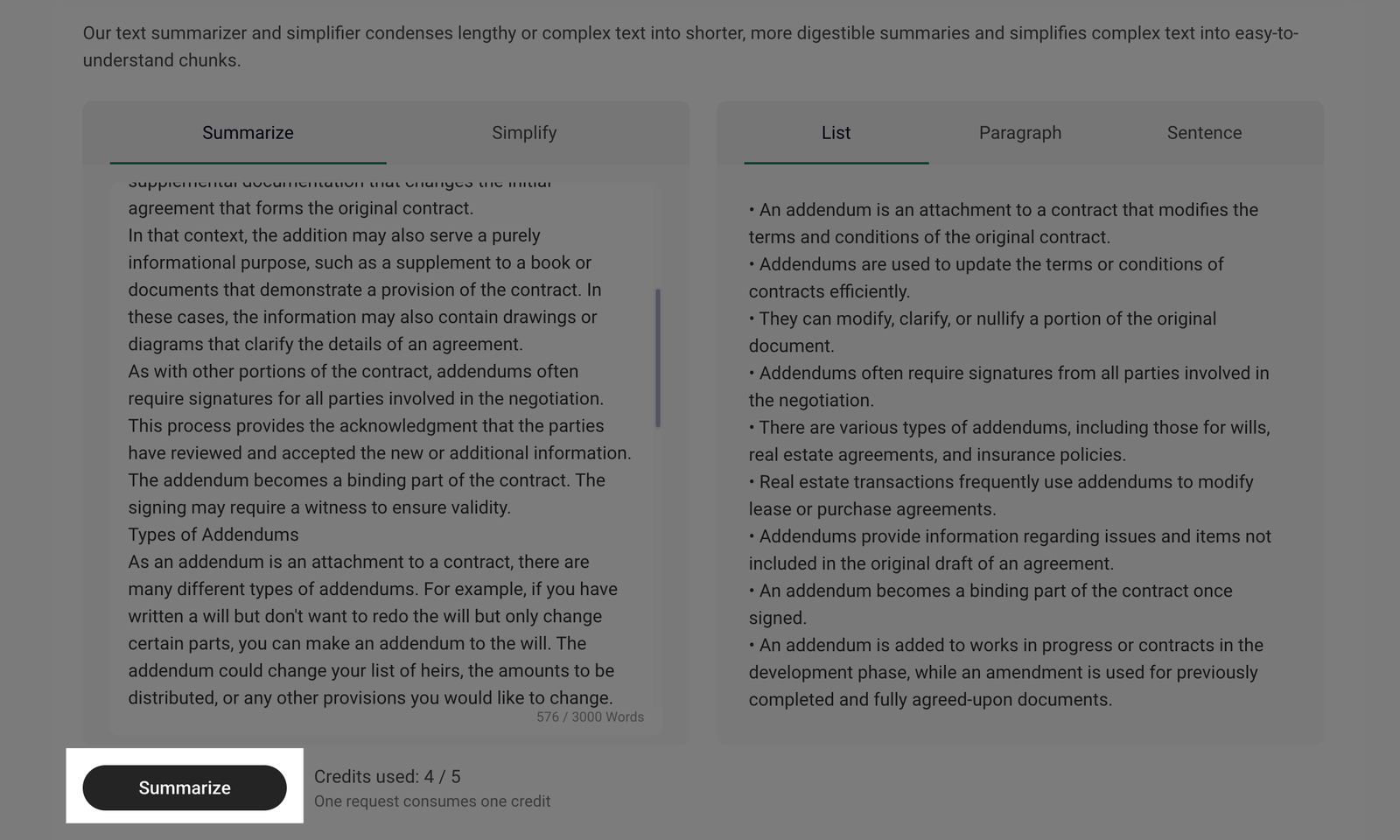
You will get the summary of your text or document in the format you choose. If you want to select another format, you will have to click the Summarize button once again.
Each Summarize request uses one credit (out of the five available). Each month, you will get new credits. Credits do not carry over from previous months.
How to simplify a text?
To simplify your text, please follow these steps:
- Click the AI Tools option in the left sidebar of the dashboard, then select the Summarize and Simplify option.
- To simplify the text, select the Simplify option.
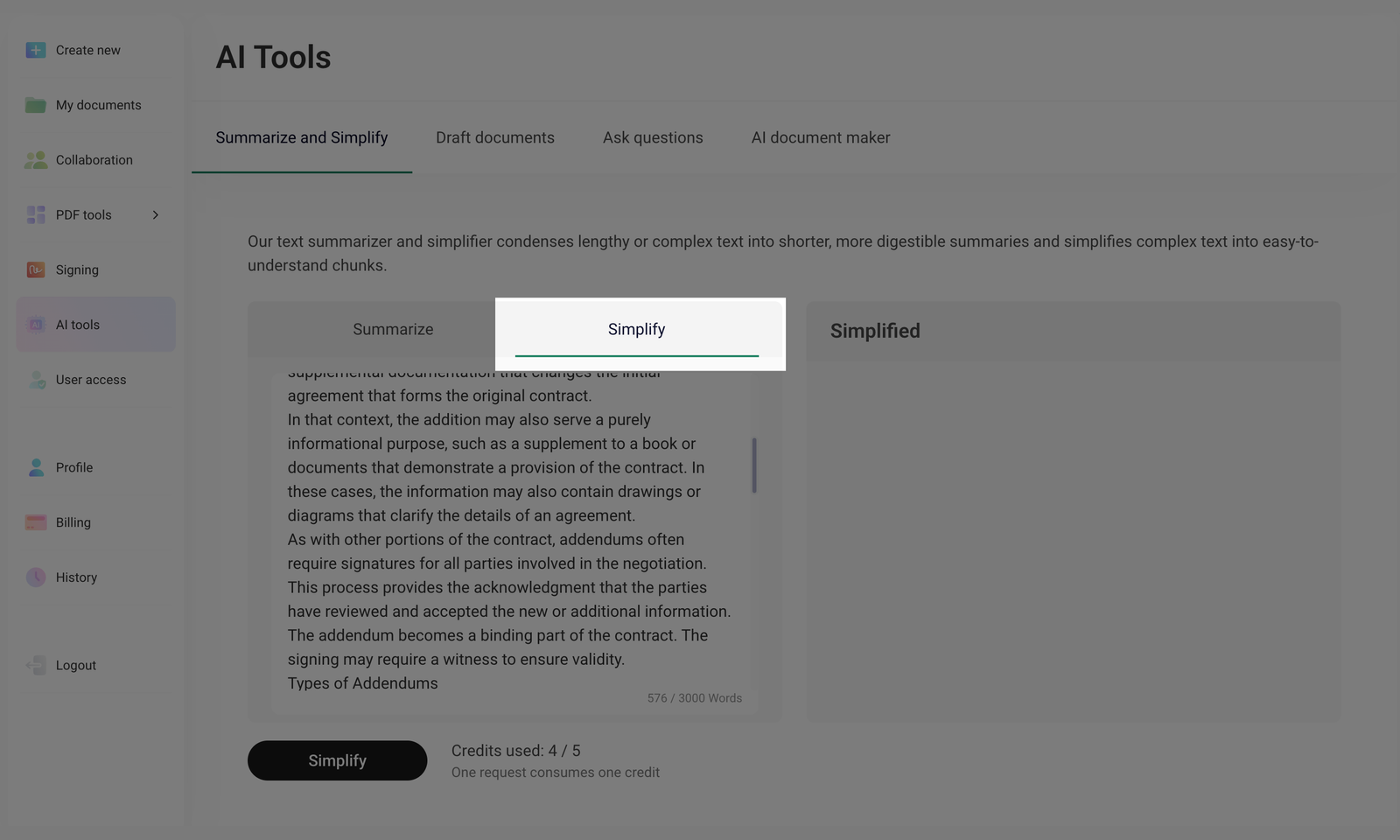
- You can enter or paste the previously copied text into the input field or upload your document by clicking Upload or drop document here. Alternatively, you can drag and drop the file.
- Click Simplify to process the text.
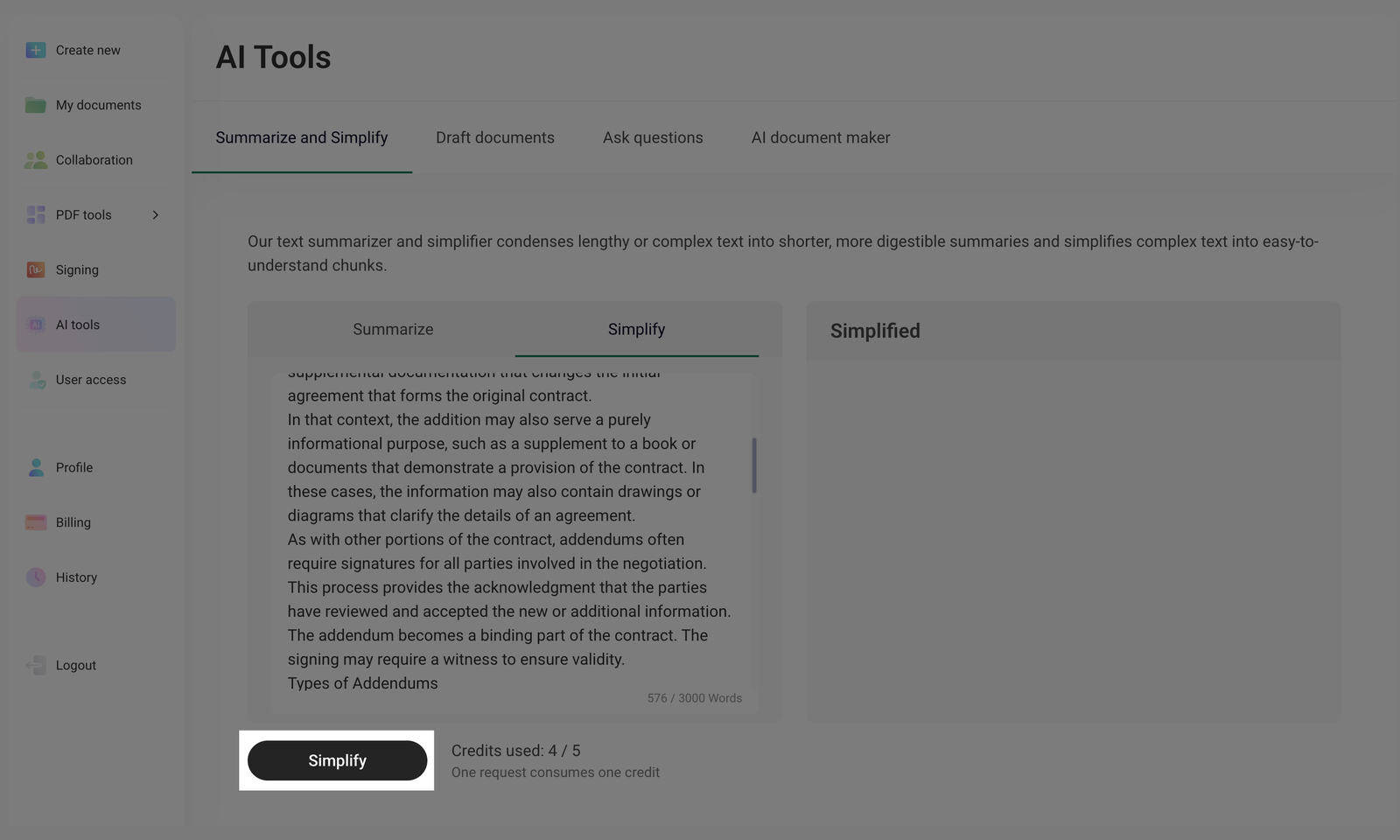
- Get a simplified version of your text in the Simplified section.
Each Simplify request uses one credit (out of the five available). Each month, you will get new credits. Credits do not carry over from previous months.