
History
Account history
The Account History section lets you review activities performed in your FormsPal account, such as opening and creating documents. Each entry shows the date and a description of the event, helping you keep track of your recent actions.
How to view your account history?
To review your account activity, follow these steps:
- Click History in the left sidebar of your FormsPal dashboard.
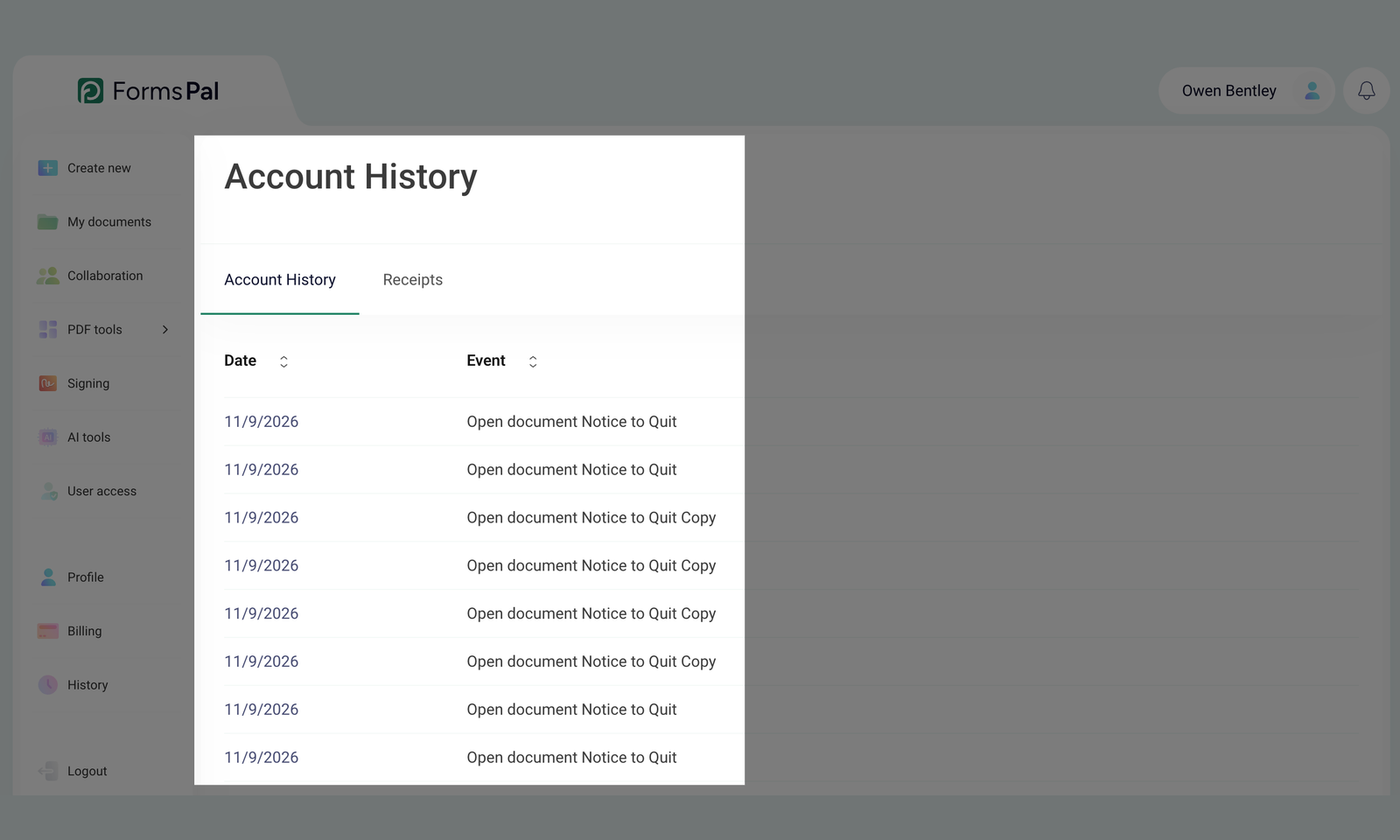
- The Account History tab will open, displaying a list of recorded events with their dates and descriptions.
- Click the up and down arrows next to Date to sort events from newest to oldest or vice versa. You can also use the arrows next to Event to sort entries by their descriptions.
- If your account history spans multiple pages, click a page number at the bottom or use the left and right arrows to move between pages.