
History
Logout
Use Logout to sign out of your FormsPal account securely. Logging out closes your active session and helps protect your documents and personal information from unauthorized access. We recommend signing out when using shared or public devices.
How to log out of your account?
To sign out of your account, follow these steps:
- Open your FormsPal dashboard.
- Click Logout at the bottom of the left sidebar.
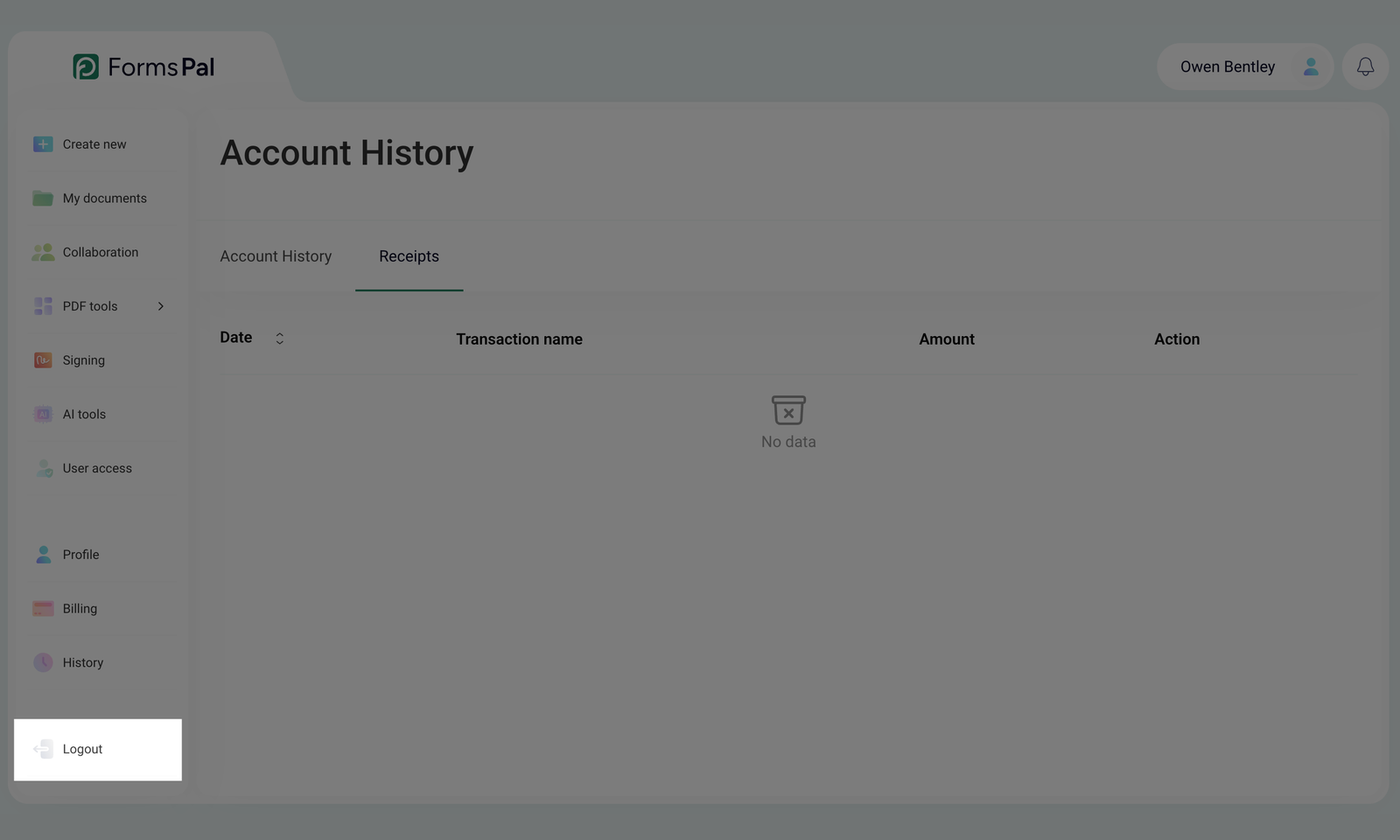
- You will be signed out of your account and redirected to the login page.