
History
Receipts
The Receipts section lets you view your payment history and access receipts for your transactions. Each receipt includes the transaction date, name, and amount. You can sort receipts by date and download available PDFs for your records.
How to view your receipts?
To access your payment receipts, follow these steps:
- Click History in the left sidebar of your FormsPal dashboard.
- Select the Receipts tab at the top of the page.
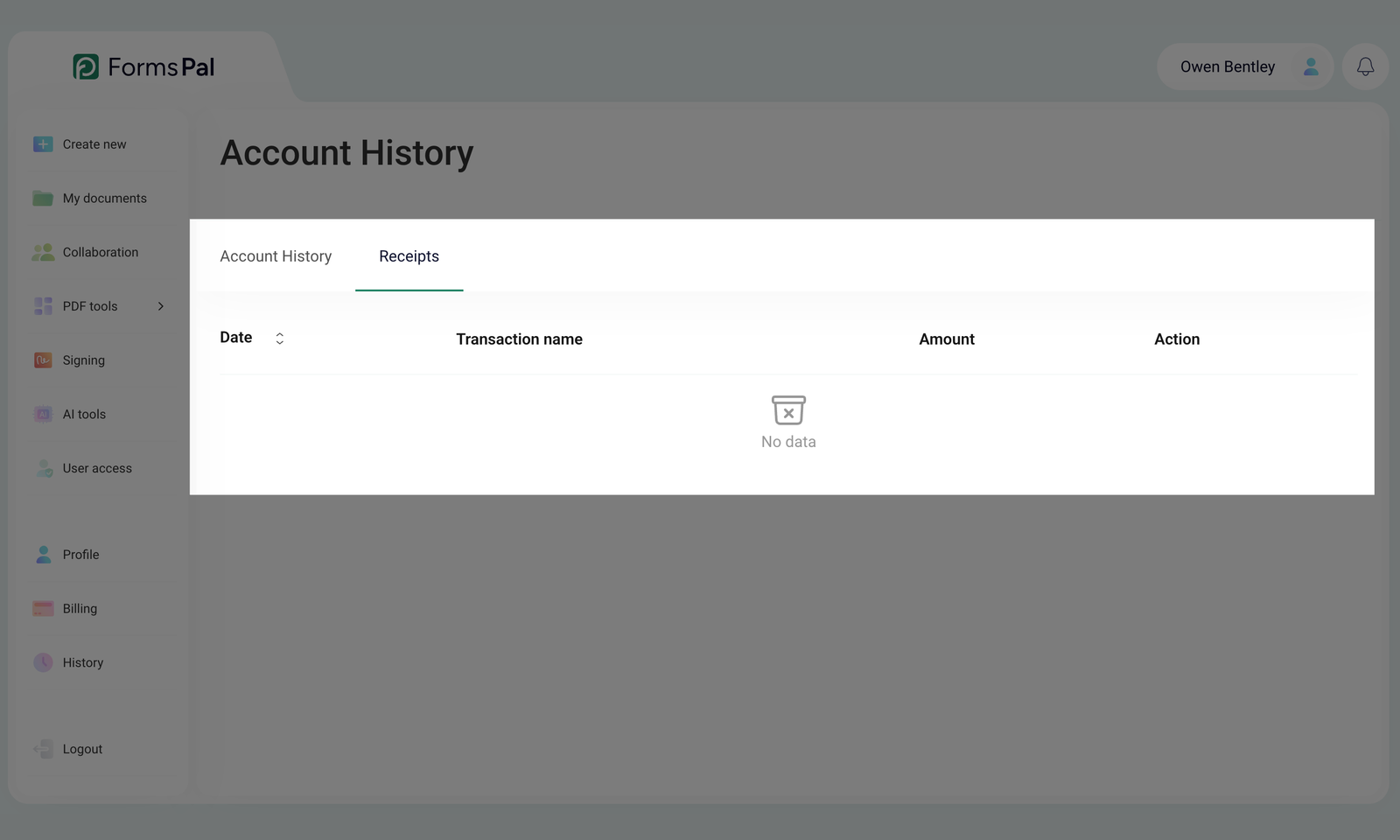
- If you have any transactions, they will appear in a table showing the Date, Transaction name, Amount, and Action.
- Click the up and down arrows next to Date to sort receipts from newest to oldest or vice versa.
- To download an available receipt, click Download PDF in the Action column next to the transaction.
- If your receipts span multiple pages, click a page number at the bottom or use the left and right arrows to move between pages.
If your account has no recorded transactions, the No data message will appear.