
Profile
Delete account
The Delete account section lets you permanently remove your FormsPal account and its associated data. Deleting your account also cancels any active subscription and signs you out on all devices.
Account deletion is irreversible. Your documents, saved information, and settings will be permanently erased and cannot be restored.
How to delete your account?
To delete your FormsPal account, follow these steps:
- Click Profile in the left sidebar of your FormsPal dashboard and select the Delete account tab.
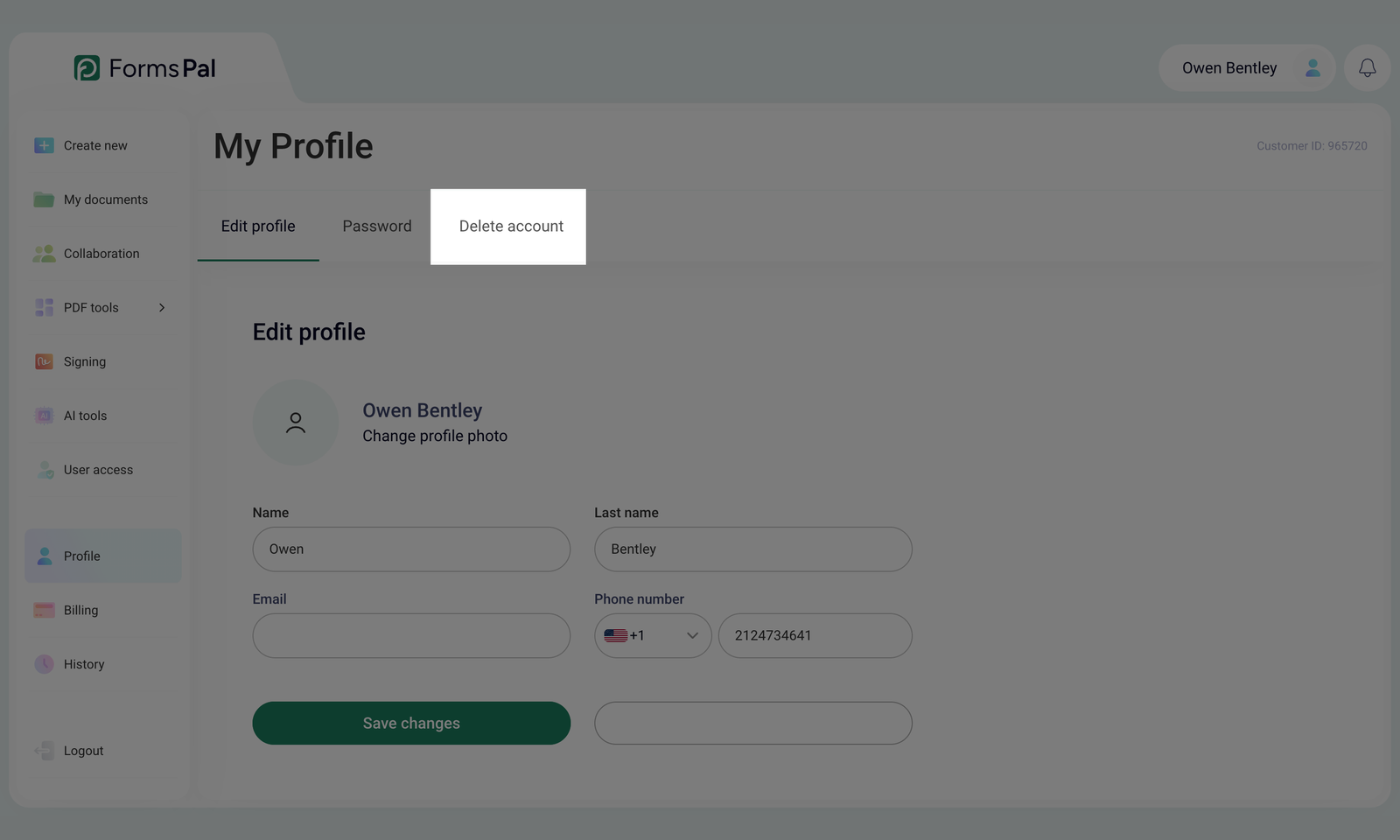
- Review your account information and the consequences of deletion.
The page displays the email address associated with your account and any active subscription details. Before proceeding, review what happens when you delete your account:
- Documents, saved details, and settings are permanently erased.
- Active sessions end on all devices.
- Active subscriptions are canceled immediately, with no further charges.
- Invoices remain archived for the period required by tax law.
- Scans stored on your phone remain on your device.
If you only want to cancel your subscription or update your billing information, click Manage my account instead. Refunds for paid subscription time are subject to the applicable 30-day money-back policy.
- Enter DELETE in the confirmation field. Type the word exactly as shown, using capital letters.
- Click Delete my account permanently to confirm the deletion.
- Your account and associated data will be erased immediately. This action cannot be undone.