
Profile
Password
The Password tab lets you change your FormsPal account password. You'll need to enter your current password, choose a new one, and confirm it before saving the changes.
How to change your password?
To change your password, follow these steps:
- Click Profile in the left sidebar of your FormsPal dashboard and select the Password tab.
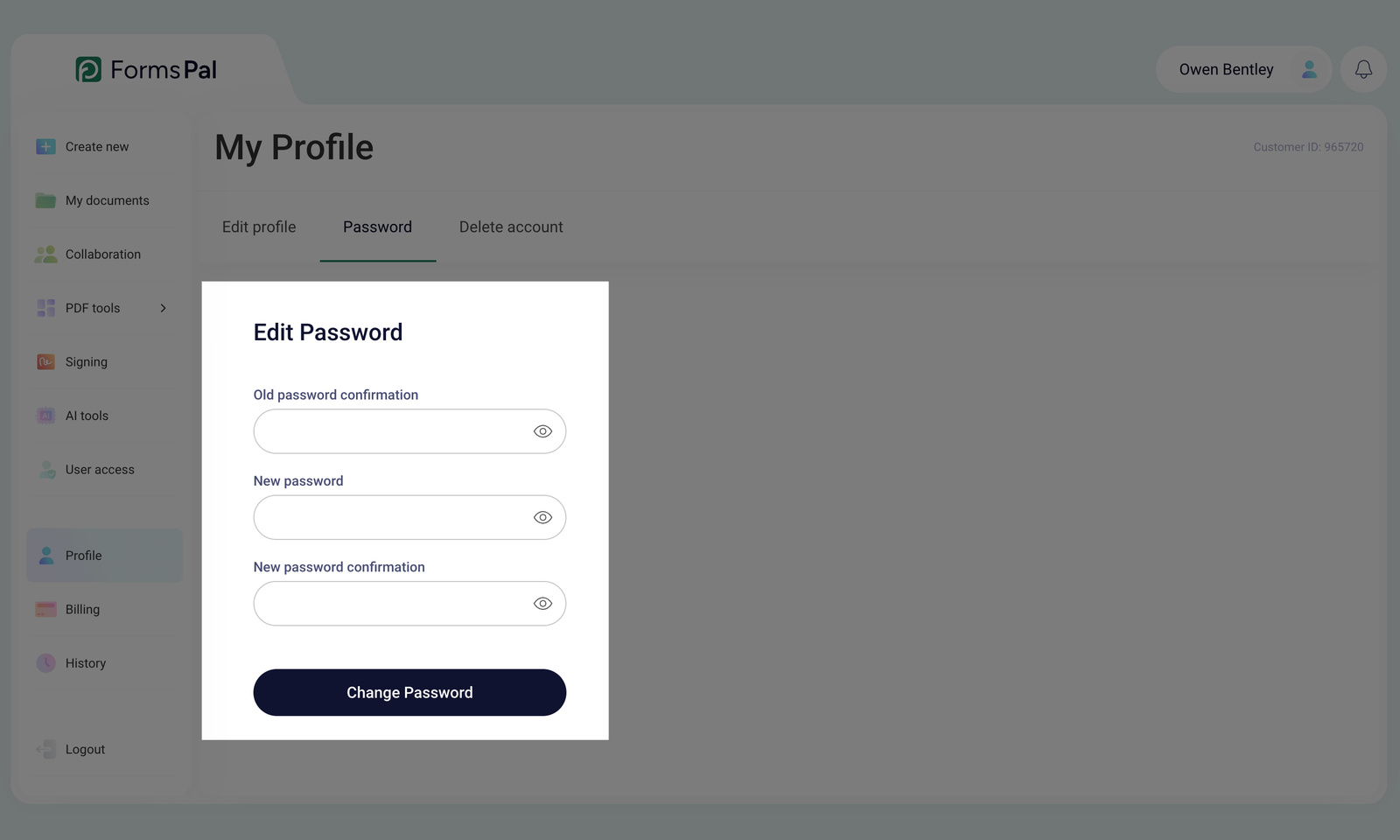
- Enter your current password in the Old password confirmation field. You can click the eye icon to show or hide the entered password and check it for mistakes.
You must enter your current password correctly to change it.
- Enter your new password in the New password field.
Re-enter the same password in the New password confirmation field. You can use the eye icons to check that both entries match.
Both new password entries must match for the change to be accepted.
- Click Change Password to save your new password.