
PDF Editor
Move objects in a document
The Move tool in the PDF Editor allows you to reposition objects you've added to your document. You can move text boxes, Eraser rectangles, redactions, highlights, images, signatures, crosses, checkmarks, and circles to adjust their placement on the page.
How to move an object?
To move an object you've added to your document, follow these steps:
- In the PDF Editor, click Move in the top toolbar.
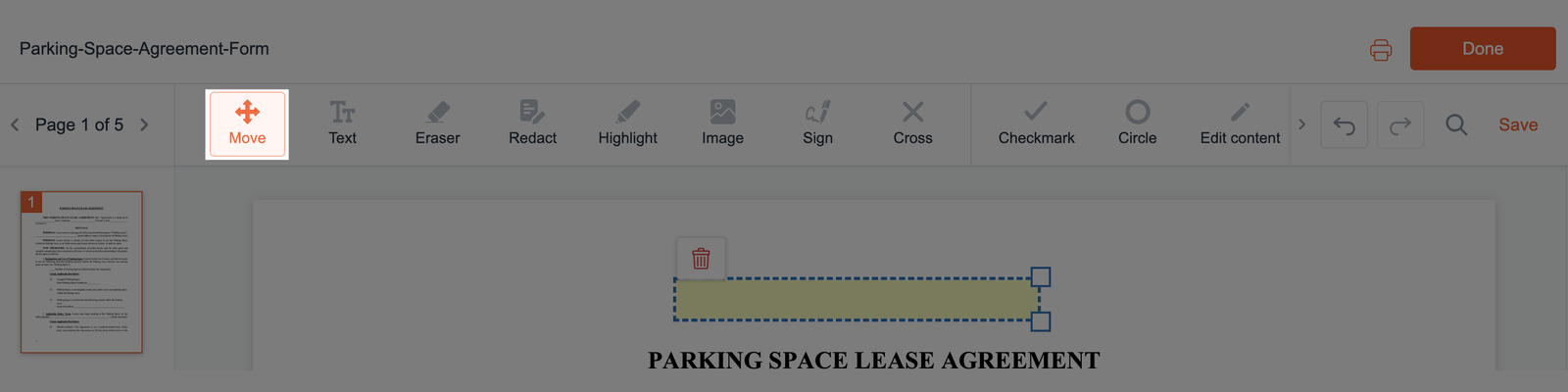
- Click and hold the object you want to reposition, then drag it to the desired location on the page.
- Release the mouse button to place the object in its new position.
- Your changes are saved automatically. You can continue adjusting other elements or switch to another tool in the PDF Editor.