
PDF Editor
Search for text in a document
The Search feature helps you quickly locate text within your document. All matching results will be highlighted, and you can navigate between them using arrow controls.
How to use the search tool?
To open and use the search tool, follow these steps:
- In the top toolbar, click the Search icon.
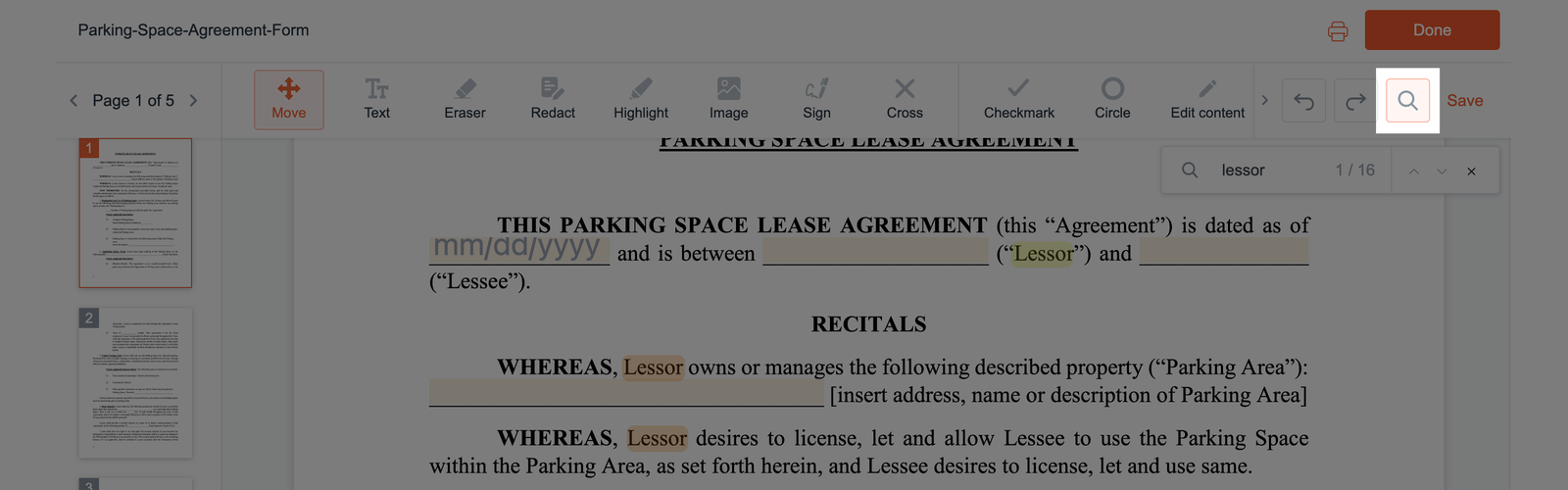
- In the search field that appears, enter at least three characters.
- Press Enter on your keyboard.
- All found matches will be visually highlighted in the document, helping you quickly identify relevant content.
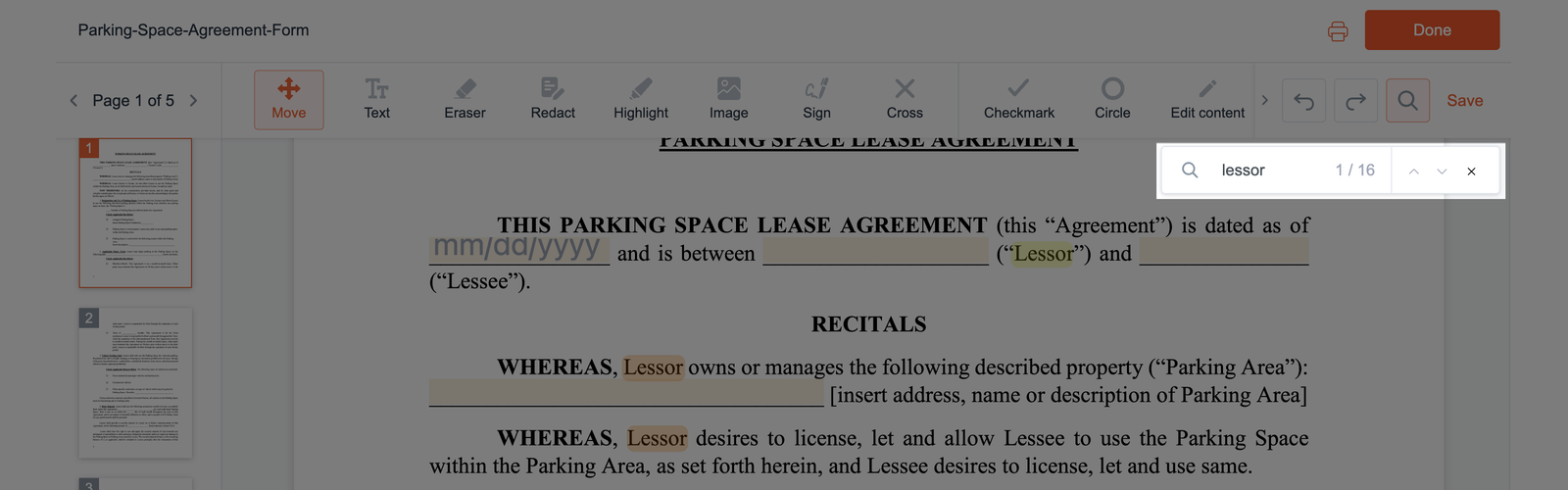
- Use the up and down arrows to scroll through the search results.