
My Documents
Actions with documents
In My documents, you can efficiently manage your files with various actions. Open, edit, download, share, rename, duplicate, print, or delete documents based on your needs. You can also send files for signing or collaborate with others. These options make it simple to organize, access, and modify your documents.
Editing
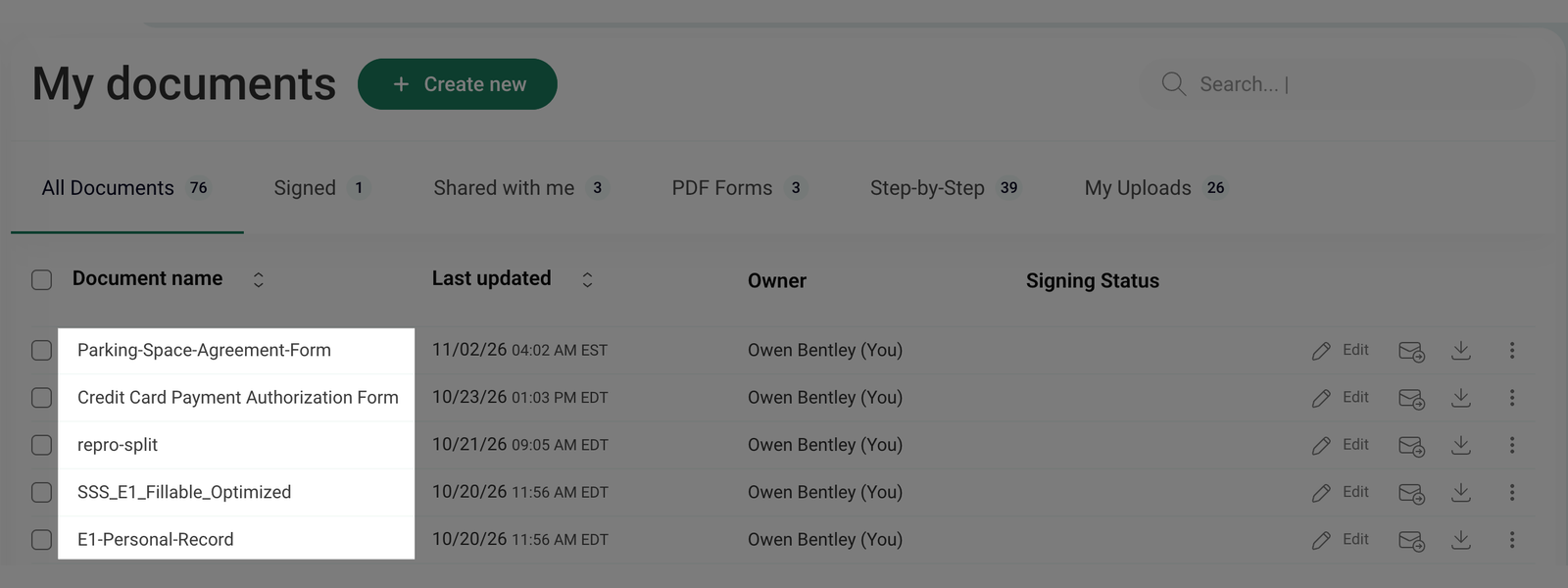
- In the My documents section, click on the document name to open it for editing.
- Alternatively, click Edit next to the document name to open it for editing.
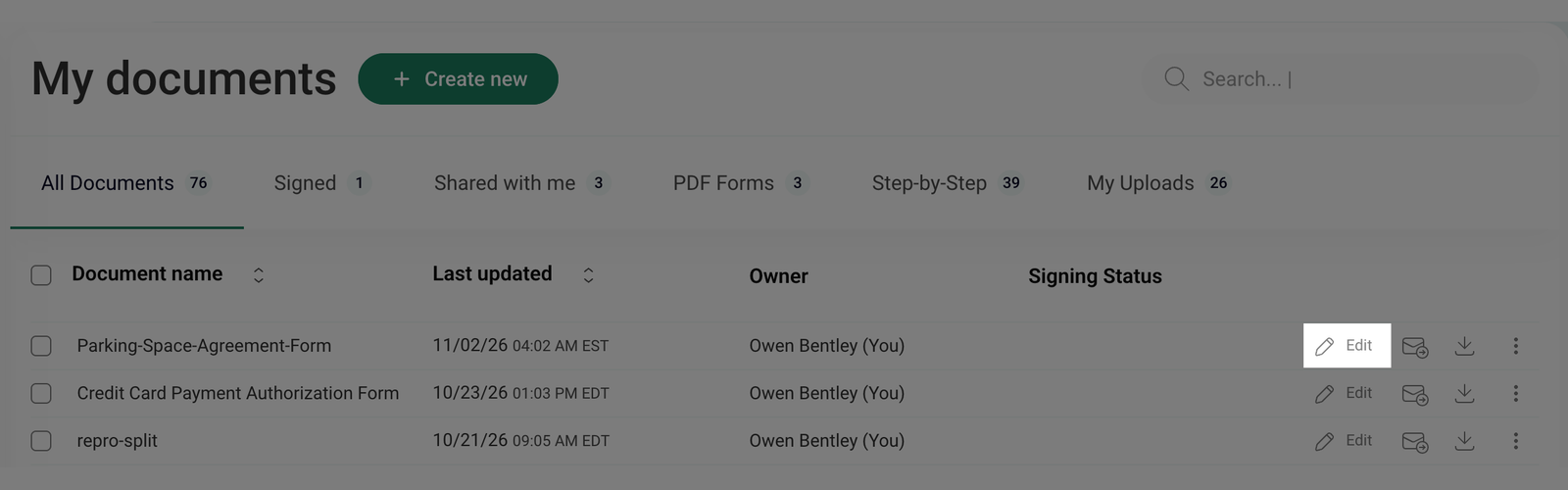
- Depending on its type, the document will open in either the PDF editor or the Step by Step editor.
Mail me
- If you want to send a document to the email address linked to your FormsPal account, click Mail me next to the document name.
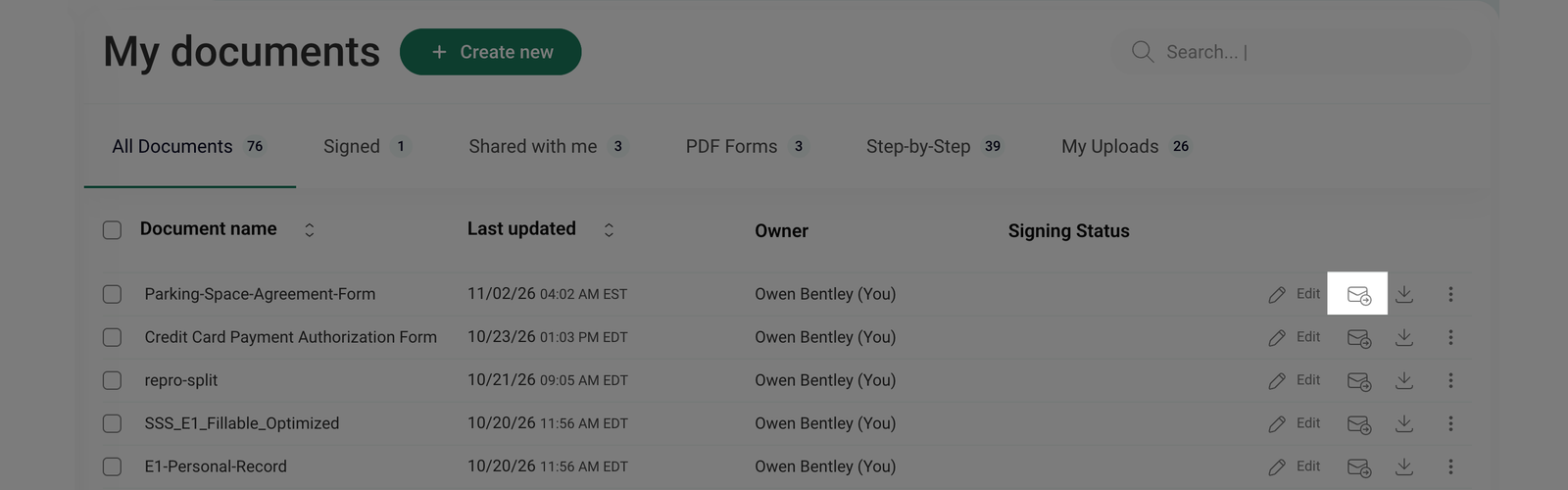
- After clicking, the document will be sent to your registered email address, allowing you to access it directly from your inbox.
Downloading
- If you want to save a copy of the document to your device, click on Download next to the document name.
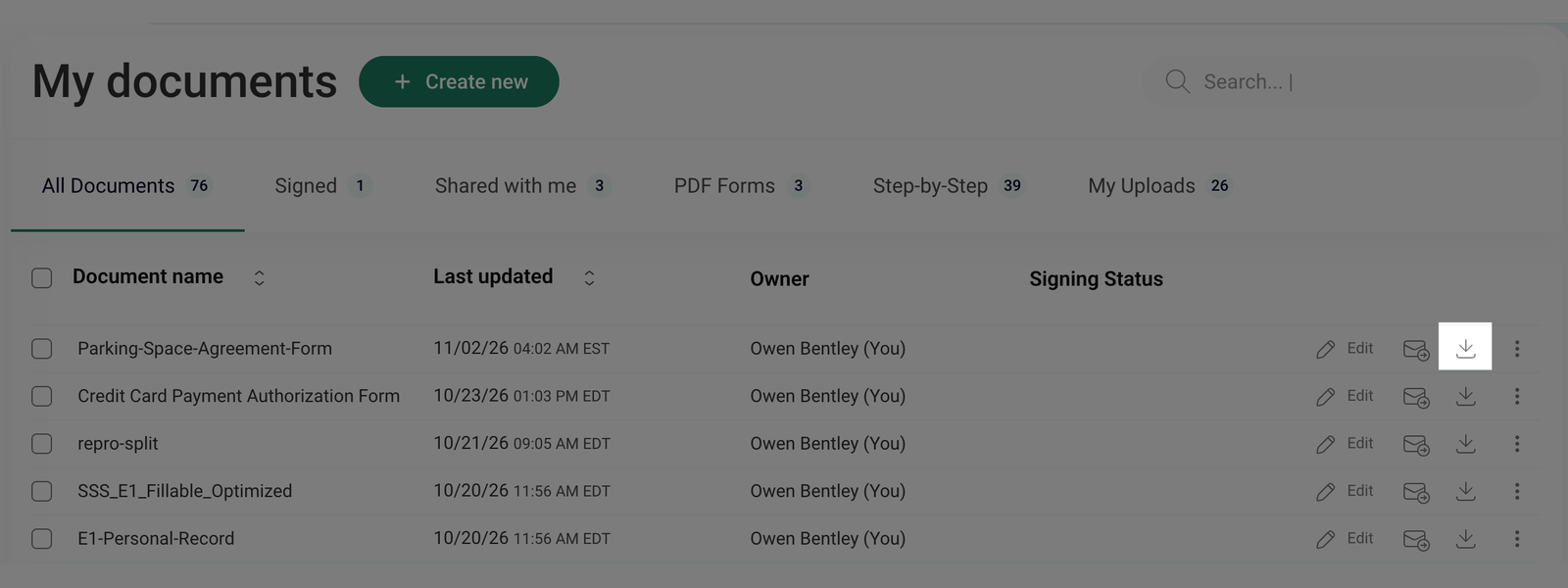
- After clicking, the document will be saved to your device immediately, allowing you to access it offline anytime.
Editing, sending to email, and downloading do not work for documents with the following statuses: To Sign, Pending, Canceled, Delivery Failed, For Signature, and Collaboration.
Other actions
- Click the three-dot menu at the end of the document's row to reveal additional actions.
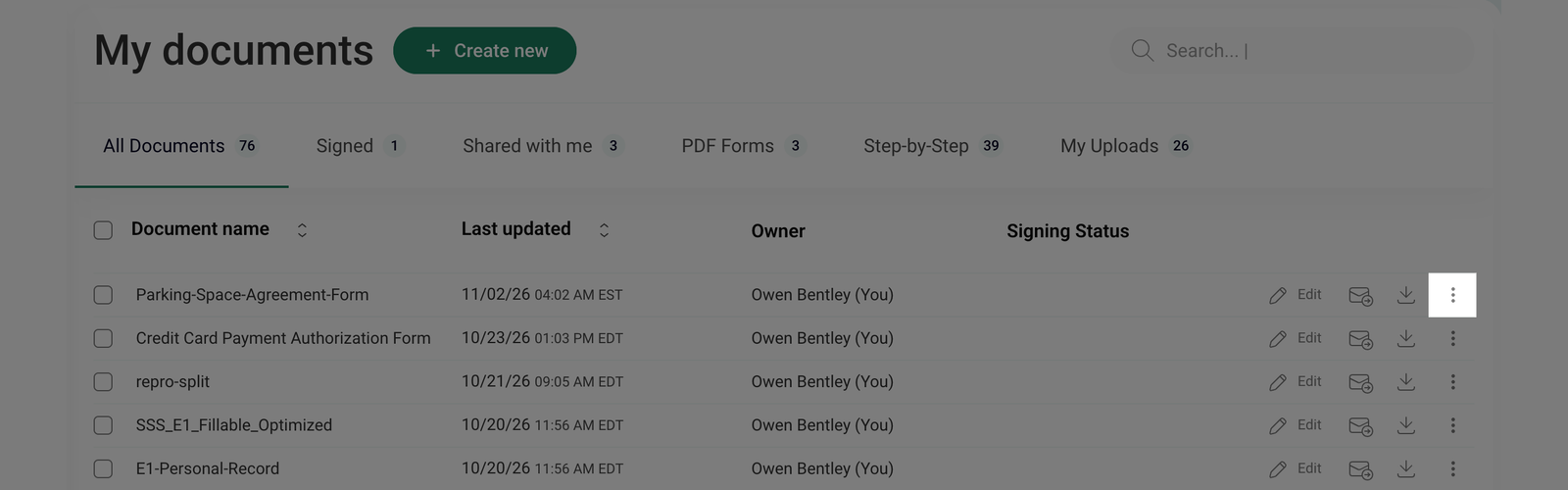
- A drop-down menu will open with the following available actions:
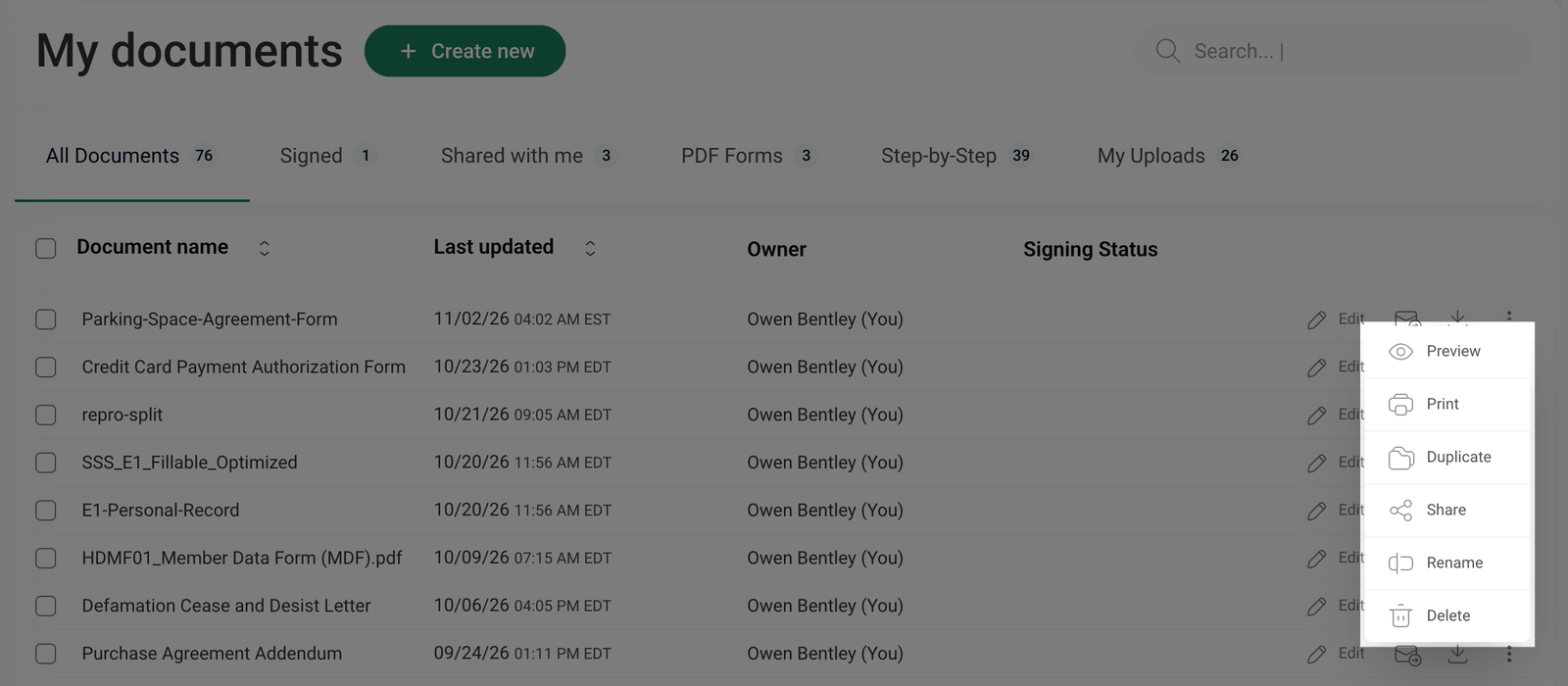
- Preview - view the document without making any changes.
- Print - send the document to your printer.
- Duplicate - create a copy of the document, which can be edited separately without affecting the original.
- Share - share the document for collaboration.
- Rename - change the document name.
- Delete - permanently remove the document from your dashboard.
If a document is part of an ongoing collaboration, it cannot be resubmitted for Collaboration. To manage such documents, go to the Collaboration section, where you can track their status and take appropriate actions.