My Documents
Duplicate documents
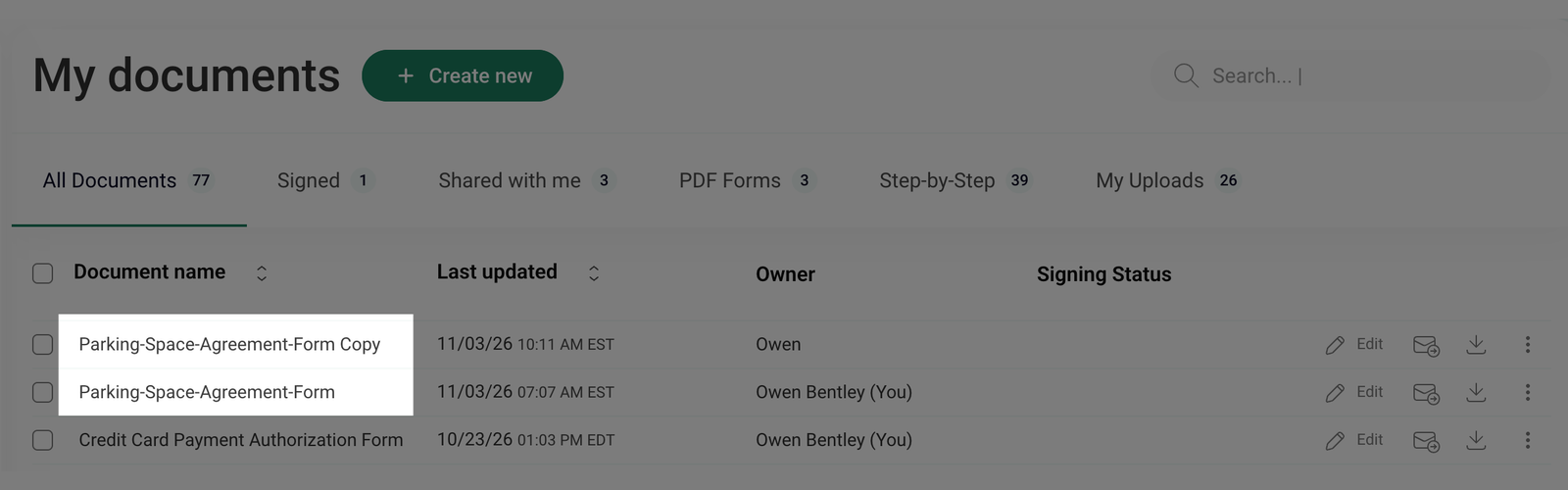
You can duplicate documents directly from your account when you need to create a separate copy for editing, backup, or other purposes. The duplicate function generates an identical version of the selected document, adding "Copy" to the document name.
It's not possible to duplicate documents with the following statuses: To Sign, Pending, Canceled, Delivery Failed, For Signature.
How to duplicate one document?
To duplicate a single document from your dashboard, follow these steps:
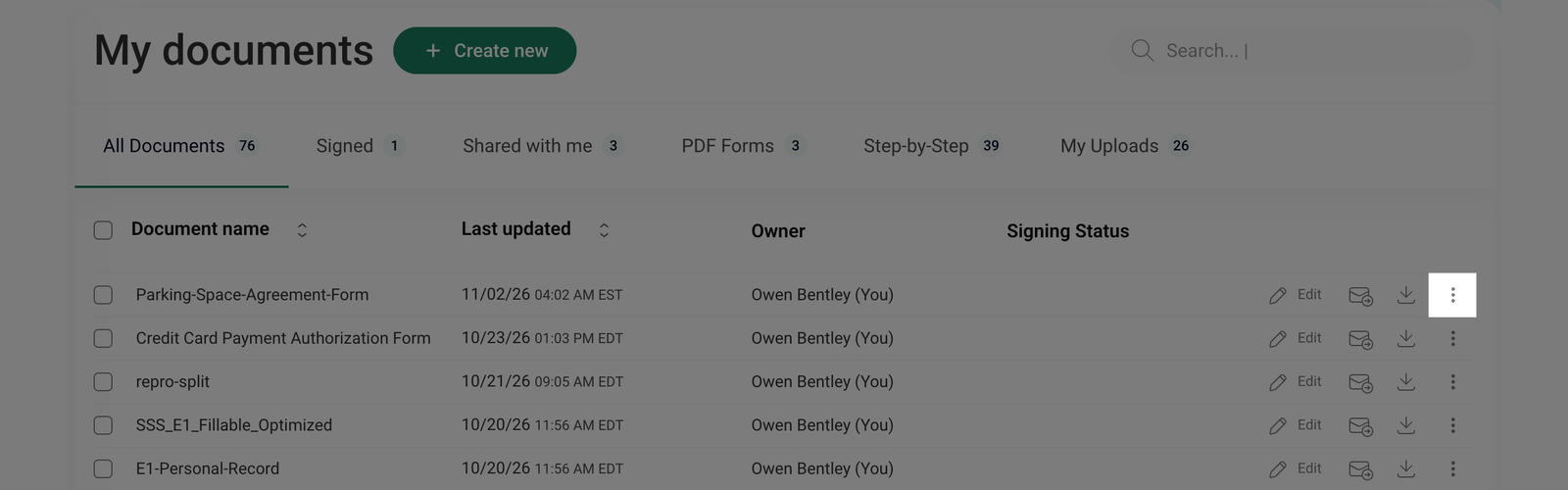
- Go to the My documents section and click the three-dot menu next to the document you want to duplicate.
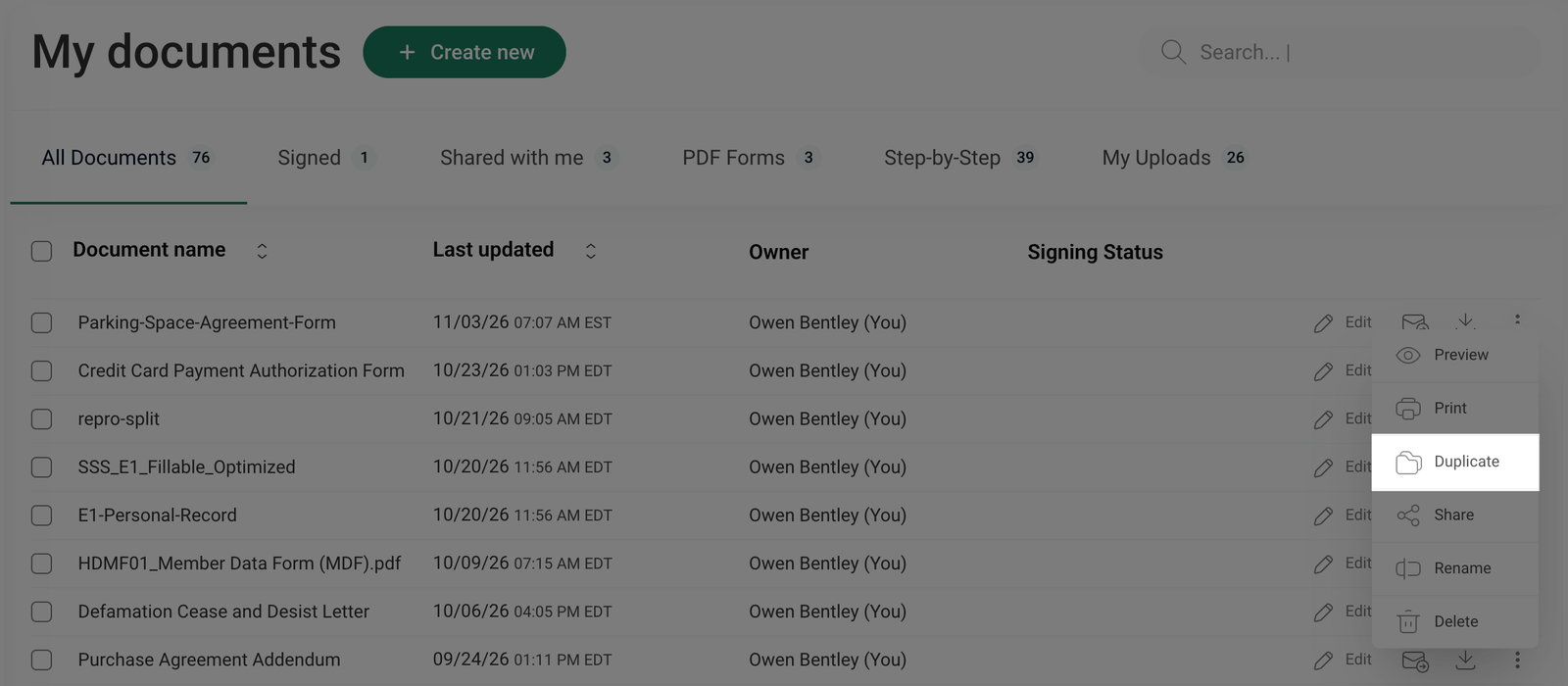
- From the dropdown menu, click Duplicate.
- A new document copy will be created with Copy added to the file name.